Undetectable Automation:
5th Edition
Press SPACE to continue!

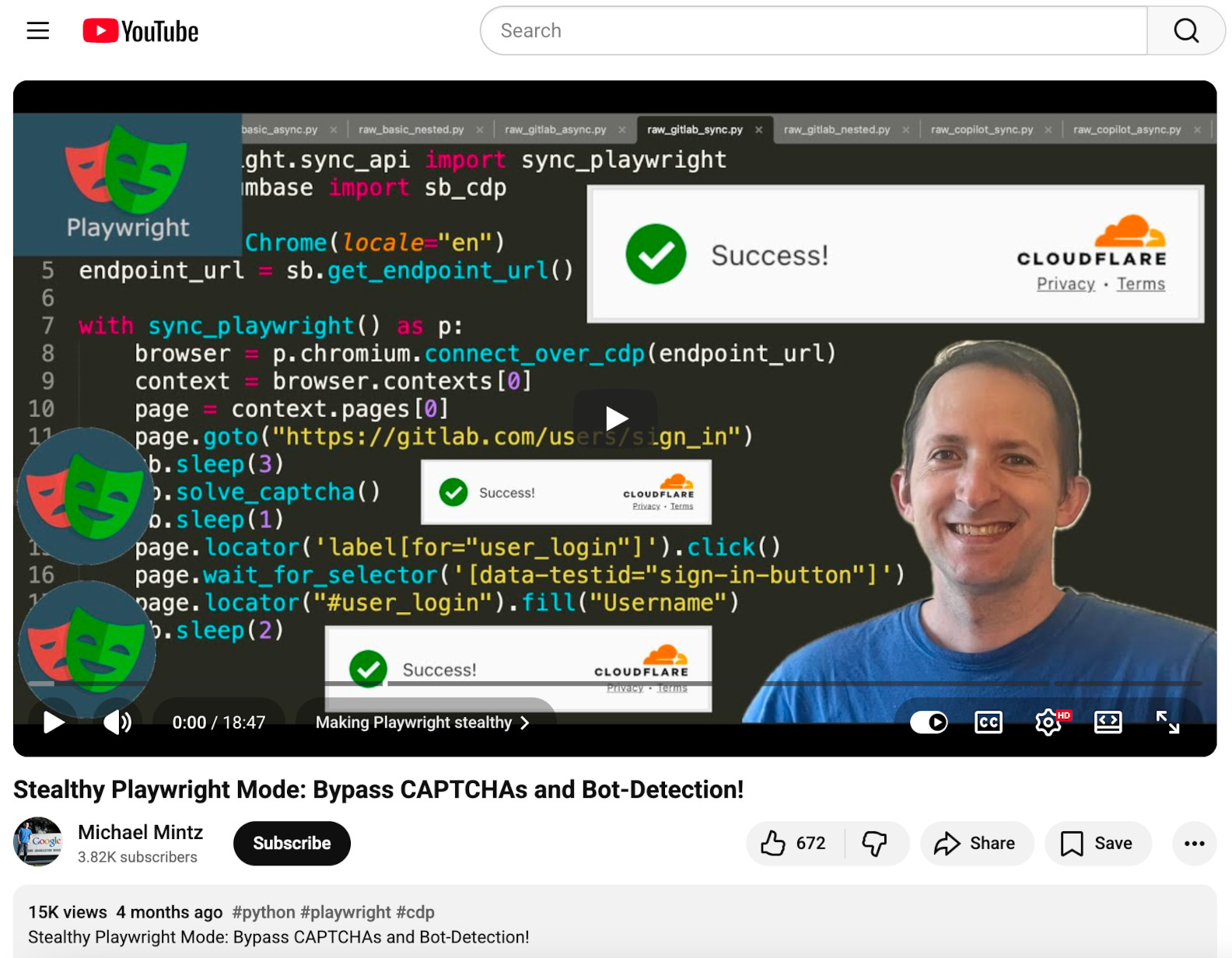
Now on YouTube!
https://youtube.com/watch?v=R9HNsnbYh8o
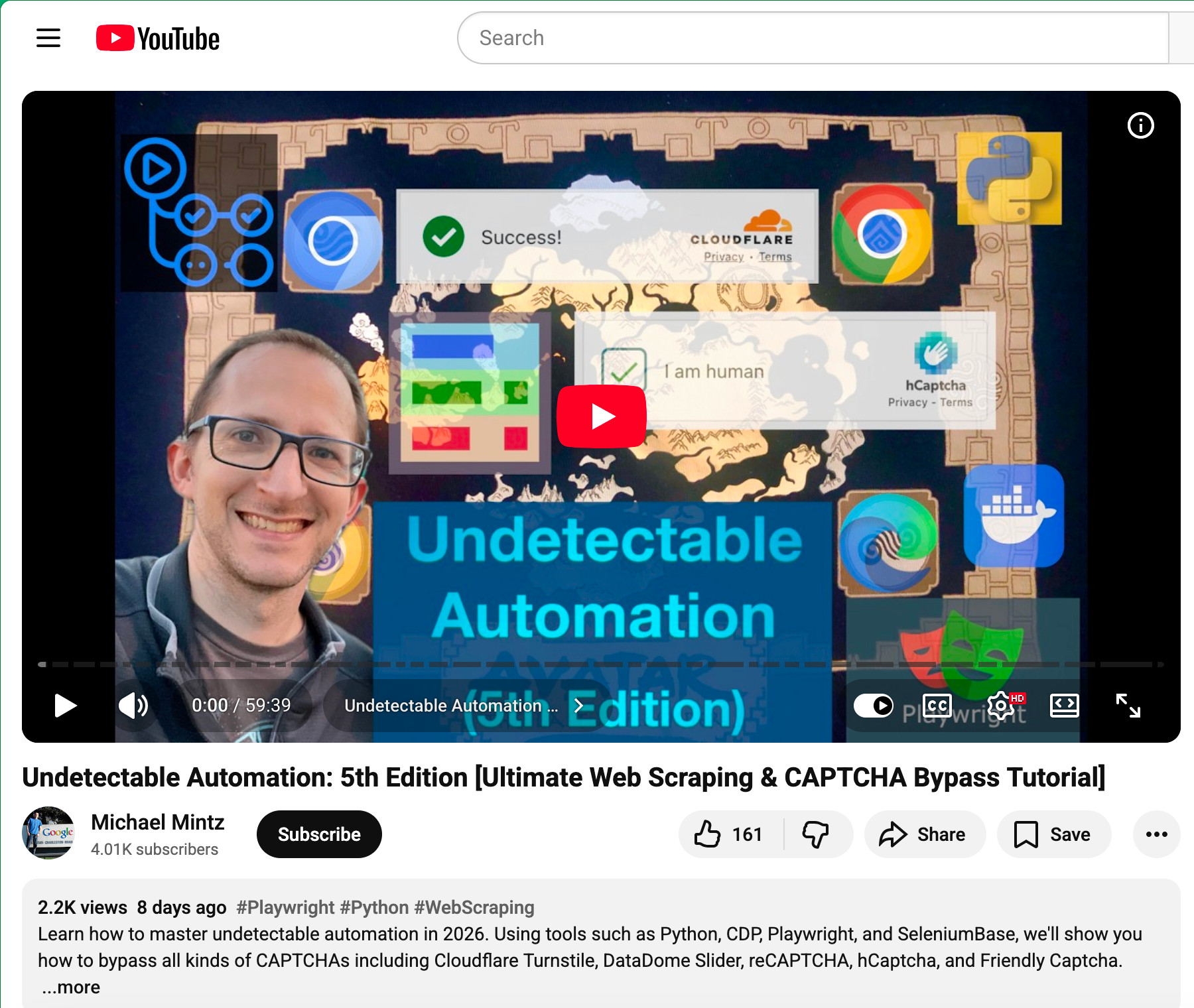
This continues the series that started here...
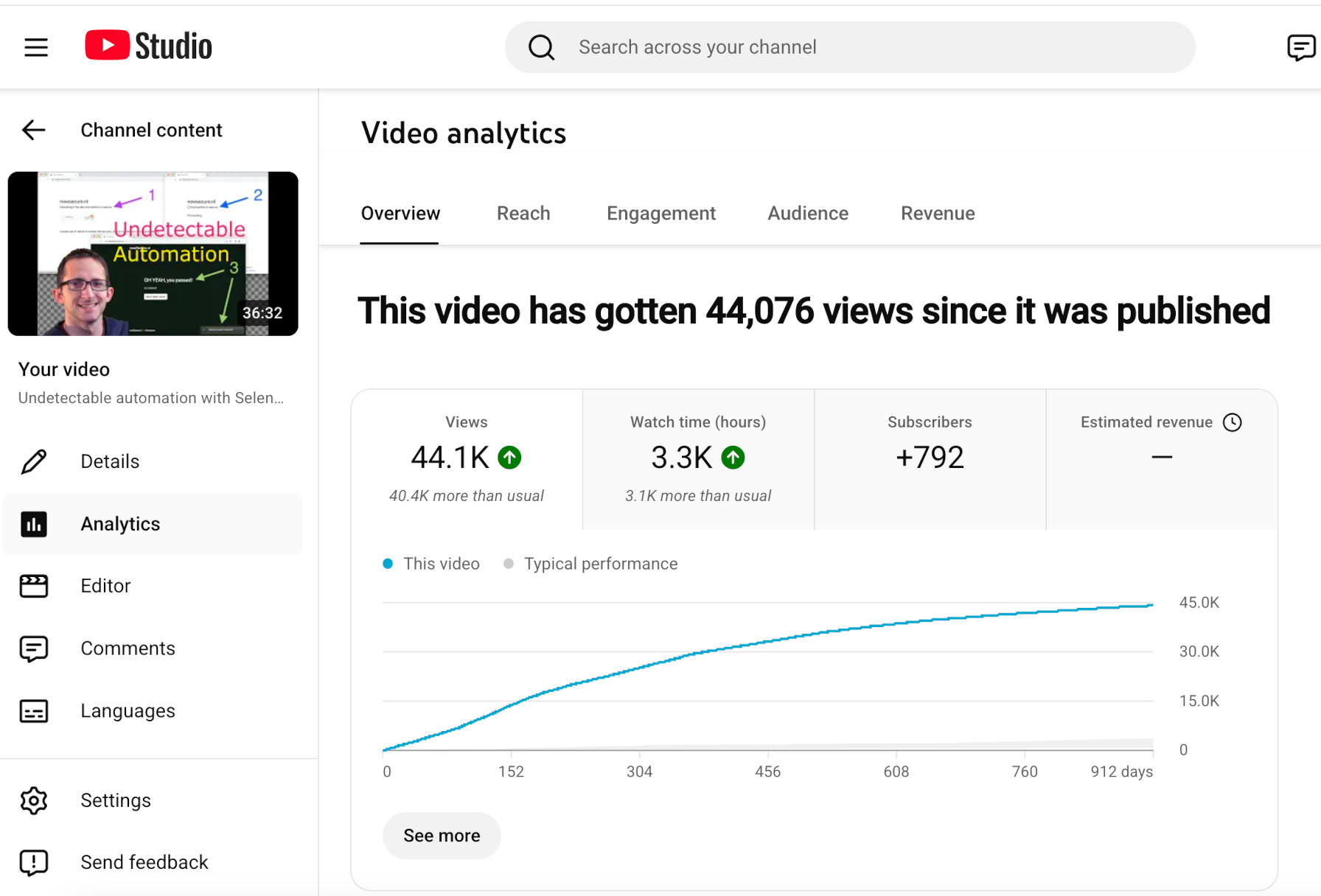
🔹 We're going to be using... 🔹
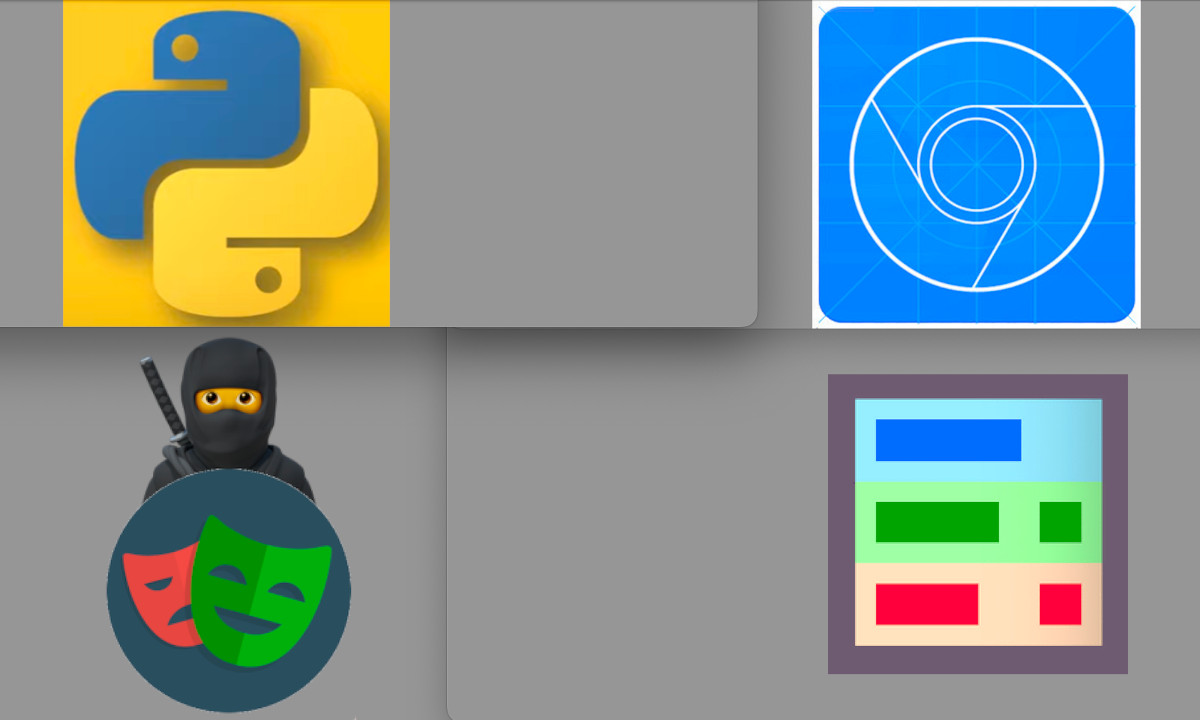
🔹 To bypass all the CAPTCHAs... 🔹
🔹 In all the places... 🔹
✅ Local Desktop Machine - (Eg. Mac/Windows)
✅ Docker Container - (Eg.
ubuntu:24.04)✅ Linux Server - (Eg. GitHub Actions)
🔹 In all the places... 🔹
✅ Local Desktop Machine - (Eg. Mac/Windows)
✅ Docker Container - (Eg.
ubuntu:24.04)✅ Linux Server - (Eg. GitHub Actions)
🔹 In all the places... 🔹
✅ Local Desktop Machine - (Eg. Mac/Windows)
✅ Docker Container - (Eg.
ubuntu:24.04)✅ Linux Server - (Eg. GitHub Actions)
🔹 In all the places... 🔹
✅ Local Desktop Machine - (Eg. Mac/Windows)
✅ Docker Container - (Eg.
ubuntu:24.04)✅ Linux Server - (Eg. GitHub Actions)
🔹 With live demos on major sites... 🔹
✅ TikTok
✅ Amazon
✅ And many more!
🔹 With live demos on major sites... 🔹
✅ TikTok
✅ Amazon
✅ And many more!
🔹 With live demos on major sites... 🔹
✅ TikTok
✅ Amazon
✅ And many more!
🔹 With live demos on major sites... 🔹
✅ TikTok
✅ Amazon
✅ And many more!
🔹 With live demos on major sites... 🔹
✅ TikTok
✅ Amazon
✅ And many more!
🔹 With live demos on major sites... 🔹
✅ TikTok
✅ Amazon
✅ And many more!

Let's warm up with a few live demos
of bypassing Cloudflare's Turnstile...
you be able to web-scrape sites with confidence.

This continues my Undetectable Automation series:
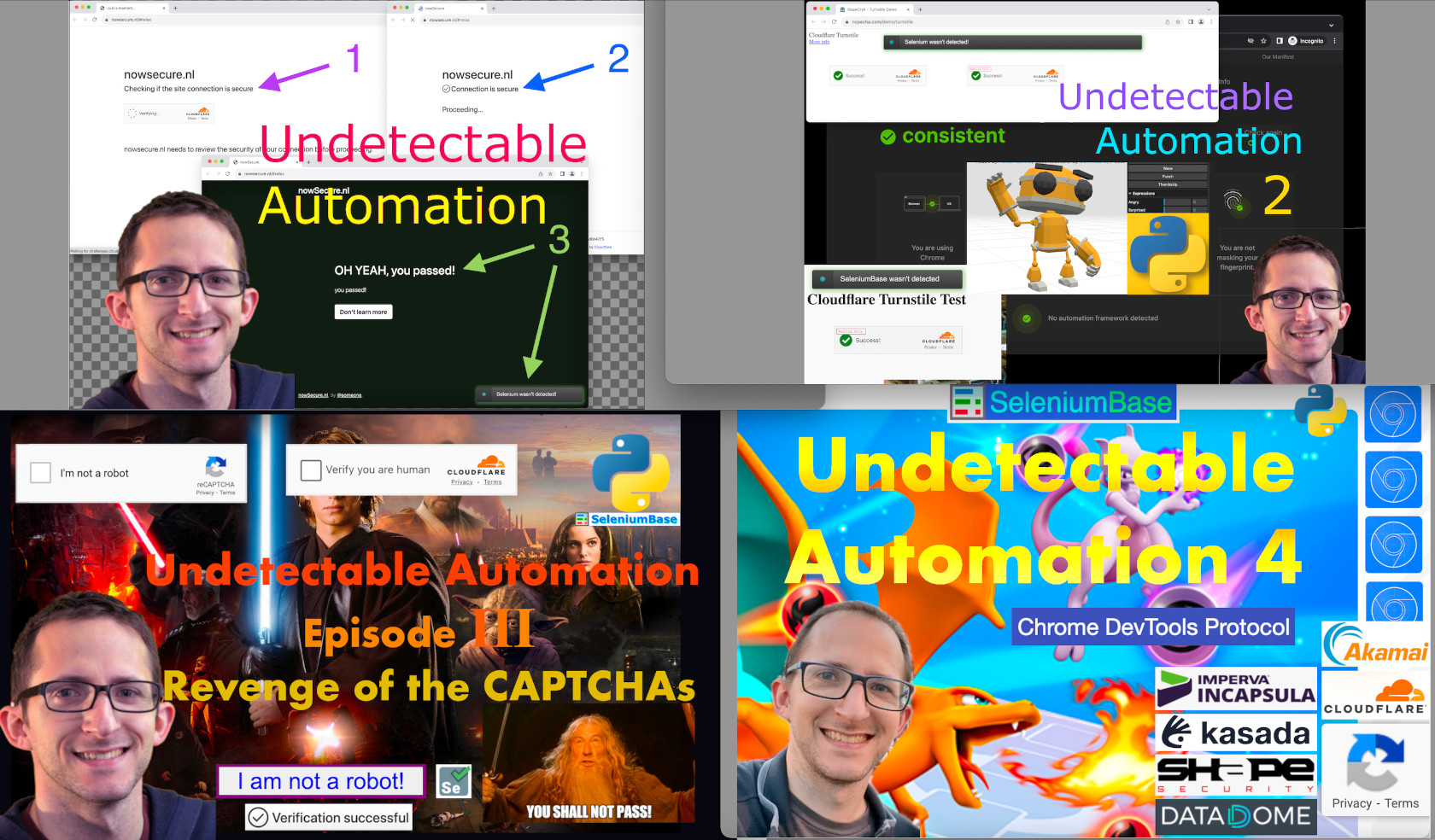
That all started with...
The Automation Entertainment Industry was born.
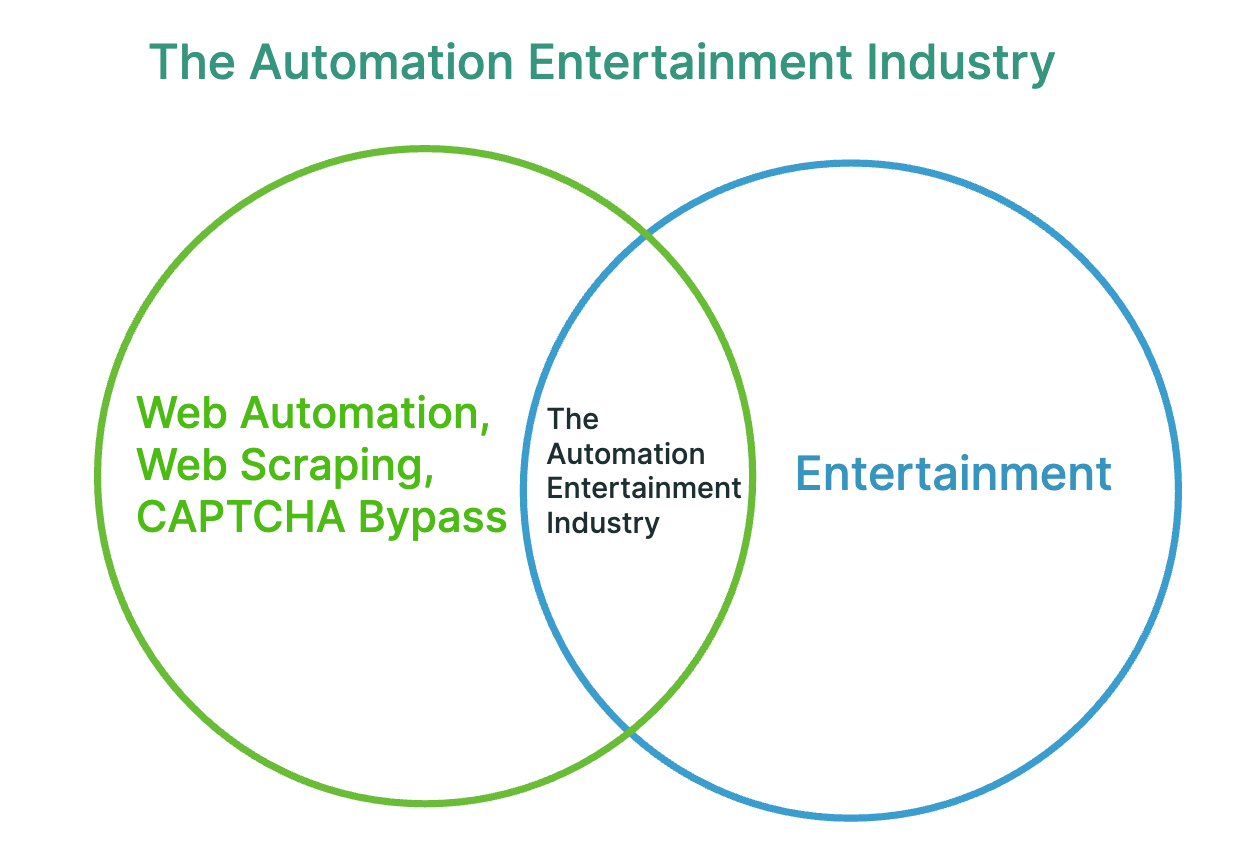
The field changes rapidly, so it's important to
note that the first three videos are out-of-date.
called "Undetected Chromedriver" for stealth.
wasn't enough to make WebDriver actions
stealthy because anti-bot services improved.

(This was the focus the 4th Undetectable Automation video.)
(This was the focus the 4th Undetectable Automation video.)
video in the Undetectable Automation series:
Here are some advancements since then:
-
✅ Stealthy Playwright Mode.
✅ Stealthy Docker automation.
✅ Stealthy headless automation.
✅ Stealthy mobile emulation.
✅ Imperva-based hCaptcha can be bypassed.
✅ Friendly Captcha can be bypassed.
✅ DataDome Slider can be bypassed.
✅ Unbranded Chromium support.
✅ Pure CDP Mode.
Here are some advancements since then:
-
✅ Stealthy Playwright Mode.
✅ Stealthy Docker automation.
✅ Stealthy headless automation.
✅ Stealthy mobile emulation.
✅ Imperva-based hCaptcha can be bypassed.
✅ Friendly Captcha can be bypassed.
✅ DataDome Slider can be bypassed.
✅ Unbranded Chromium support.
✅ Pure CDP Mode.
Here are some advancements since then:
-
✅ Stealthy Playwright Mode.
✅ Stealthy Docker automation.
✅ Stealthy headless automation.
✅ Stealthy mobile emulation.
✅ Imperva-based hCaptcha can be bypassed.
✅ Friendly Captcha can be bypassed.
✅ DataDome Slider can be bypassed.
✅ Unbranded Chromium support.
✅ Pure CDP Mode.
Here are some advancements since then:
-
✅ Stealthy Playwright Mode.
✅ Stealthy Docker automation.
✅ Stealthy headless automation.
✅ Stealthy mobile emulation.
✅ Imperva-based hCaptcha can be bypassed.
✅ Friendly Captcha can be bypassed.
✅ DataDome Slider can be bypassed.
✅ Unbranded Chromium support.
✅ Pure CDP Mode.
Here are some advancements since then:
-
✅ Stealthy Playwright Mode.
✅ Stealthy Docker automation.
✅ Stealthy headless automation.
✅ Stealthy mobile emulation.
✅ Imperva-based hCaptcha can be bypassed.
✅ Friendly Captcha can be bypassed.
✅ DataDome Slider can be bypassed.
✅ Unbranded Chromium support.
✅ Pure CDP Mode.
Here are some advancements since then:
-
✅ Stealthy Playwright Mode.
✅ Stealthy Docker automation.
✅ Stealthy headless automation.
✅ Stealthy mobile emulation.
✅ Imperva-based hCaptcha can be bypassed.
✅ Friendly Captcha can be bypassed.
✅ DataDome Slider can be bypassed.
✅ Unbranded Chromium support.
✅ Pure CDP Mode.
Here are some advancements since then:
-
✅ Stealthy Playwright Mode.
✅ Stealthy Docker automation.
✅ Stealthy headless automation.
✅ Stealthy mobile emulation.
✅ Imperva-based hCaptcha can be bypassed.
✅ Friendly Captcha can be bypassed.
✅ DataDome Slider can be bypassed.
✅ Unbranded Chromium support.
✅ Pure CDP Mode.
Here are some advancements since then:
-
✅ Stealthy Playwright Mode.
✅ Stealthy Docker automation.
✅ Stealthy headless automation.
✅ Stealthy mobile emulation.
✅ Imperva-based hCaptcha can be bypassed.
✅ Friendly Captcha can be bypassed.
✅ DataDome Slider can be bypassed.
✅ Unbranded Chromium support.
✅ Pure CDP Mode.
Here are some advancements since then:
-
✅ Stealthy Playwright Mode.
✅ Stealthy Docker automation.
✅ Stealthy headless automation.
✅ Stealthy mobile emulation.
✅ Imperva-based hCaptcha can be bypassed.
✅ Friendly Captcha can be bypassed.
✅ DataDome Slider can be bypassed.
✅ Unbranded Chromium support.
✅ Pure CDP Mode.
Here are some advancements since then:
-
✅ Stealthy Playwright Mode.
✅ Stealthy Docker automation.
✅ Stealthy headless automation.
✅ Stealthy mobile emulation.
✅ Imperva-based hCaptcha can be bypassed.
✅ Friendly Captcha can be bypassed.
✅ DataDome Slider can be bypassed.
✅ Unbranded Chromium support.
✅ Pure CDP Mode.
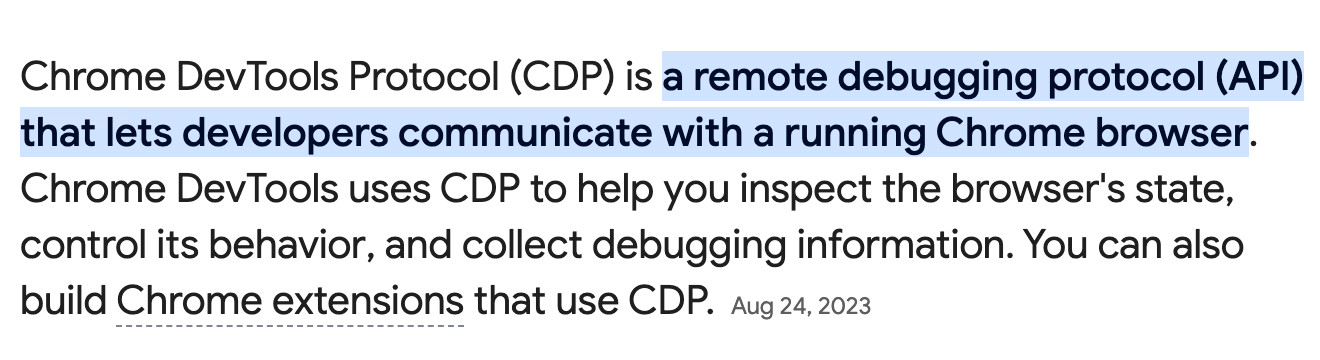
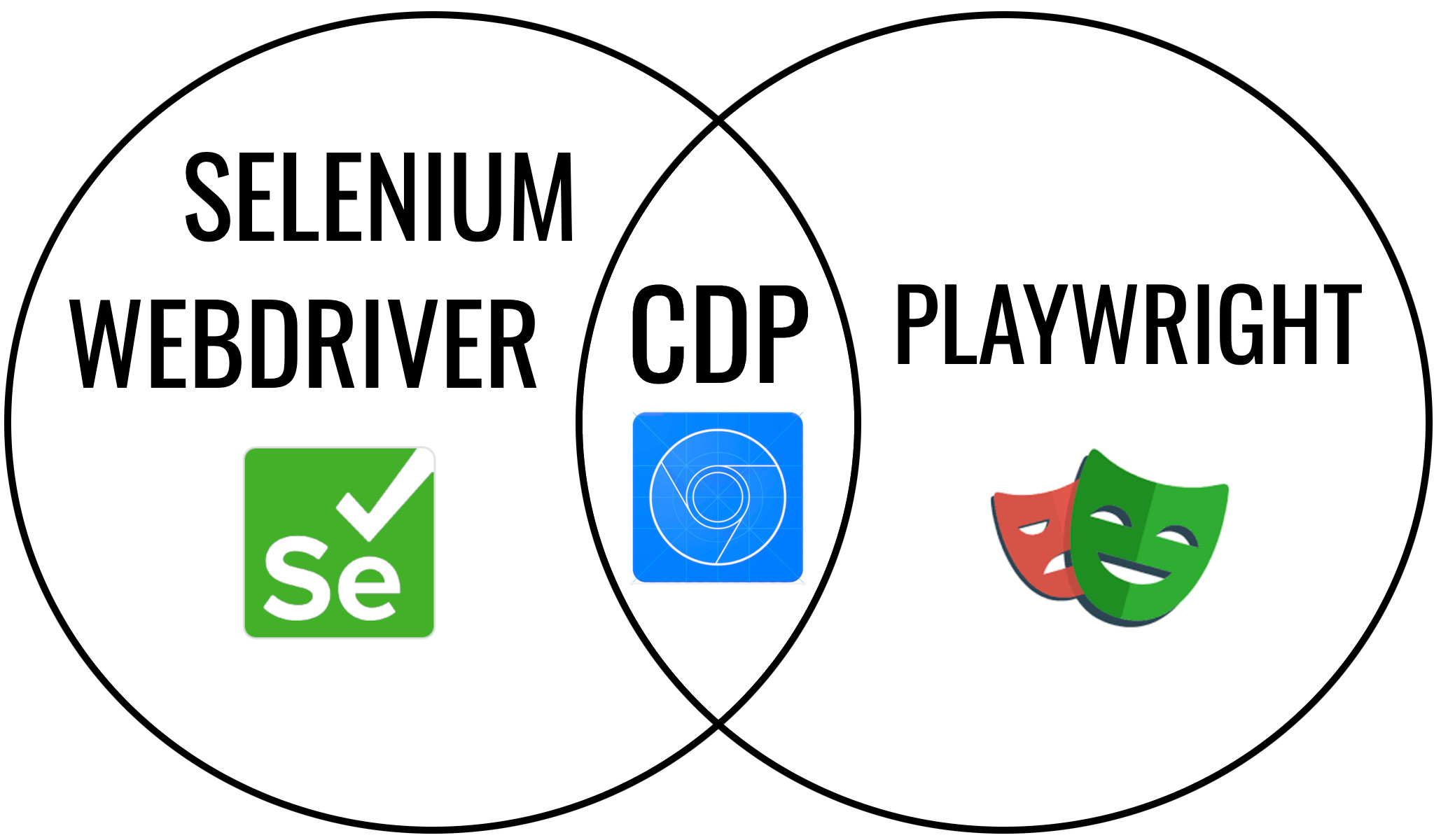
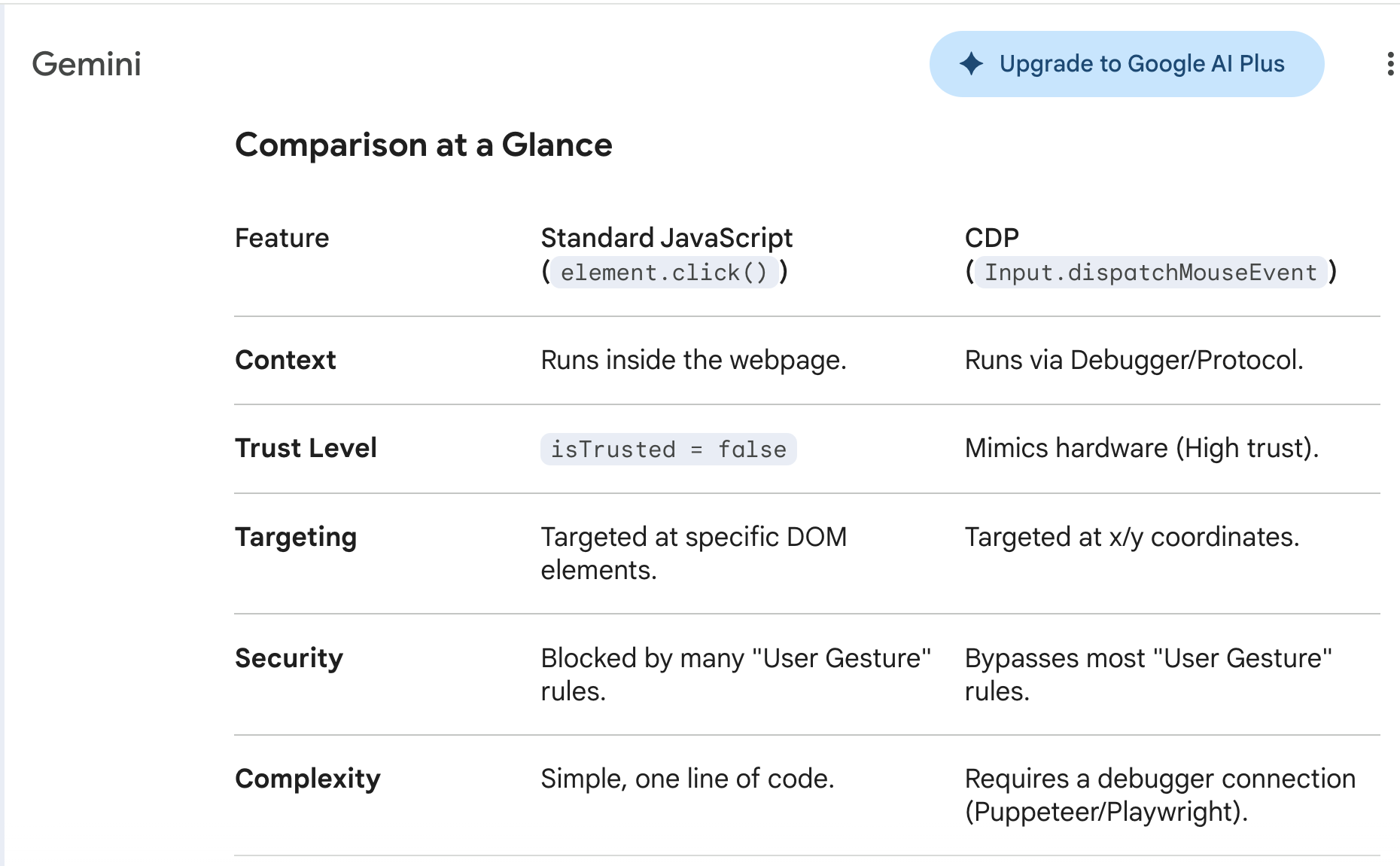
Compared to standard JS, CDP actions are stealthy!
🔹 CDP alone isn't enough for stealth... 🔹
✅ The web browser's fingerprint must look like
one coming from a human-controlled browser.

🔹 CDP alone isn't enough for stealth... 🔹
✅ The web browser's fingerprint must look like
one coming from a human-controlled browser.
Browsers launched with regular Playwright or WebDriver
have a poisoned fingerprint that results in bot-detection.

To avoid this issue, you can launch the system's default
browser... and THEN attach the automation framework!

Some special configuration is needed
to make this work in a stealthy way.

And you may need special methods
for handling CAPTCHAs successfully

⤵️ (That brings us to SeleniumBase...
a framework that takes care of
a lot of that work for you...)
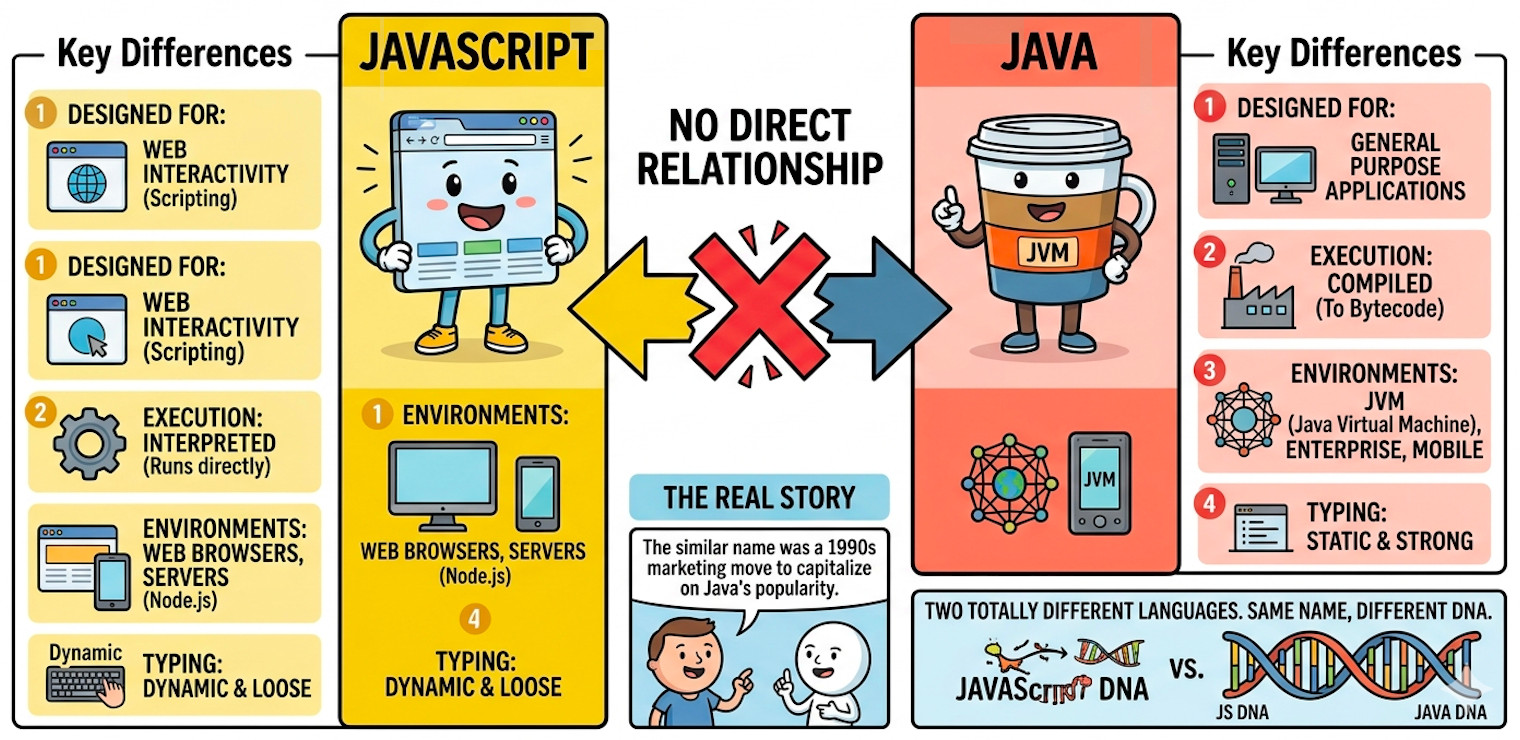
SeleniumBase no longer uses Selenium
for some things (such as CDP Mode).

If that sounds confusing, note that JavaScript does not use Java.
SeleniumBase no longer uses Selenium
for some things (such as CDP Mode).
If that sounds confusing, note that JavaScript does not use Java.
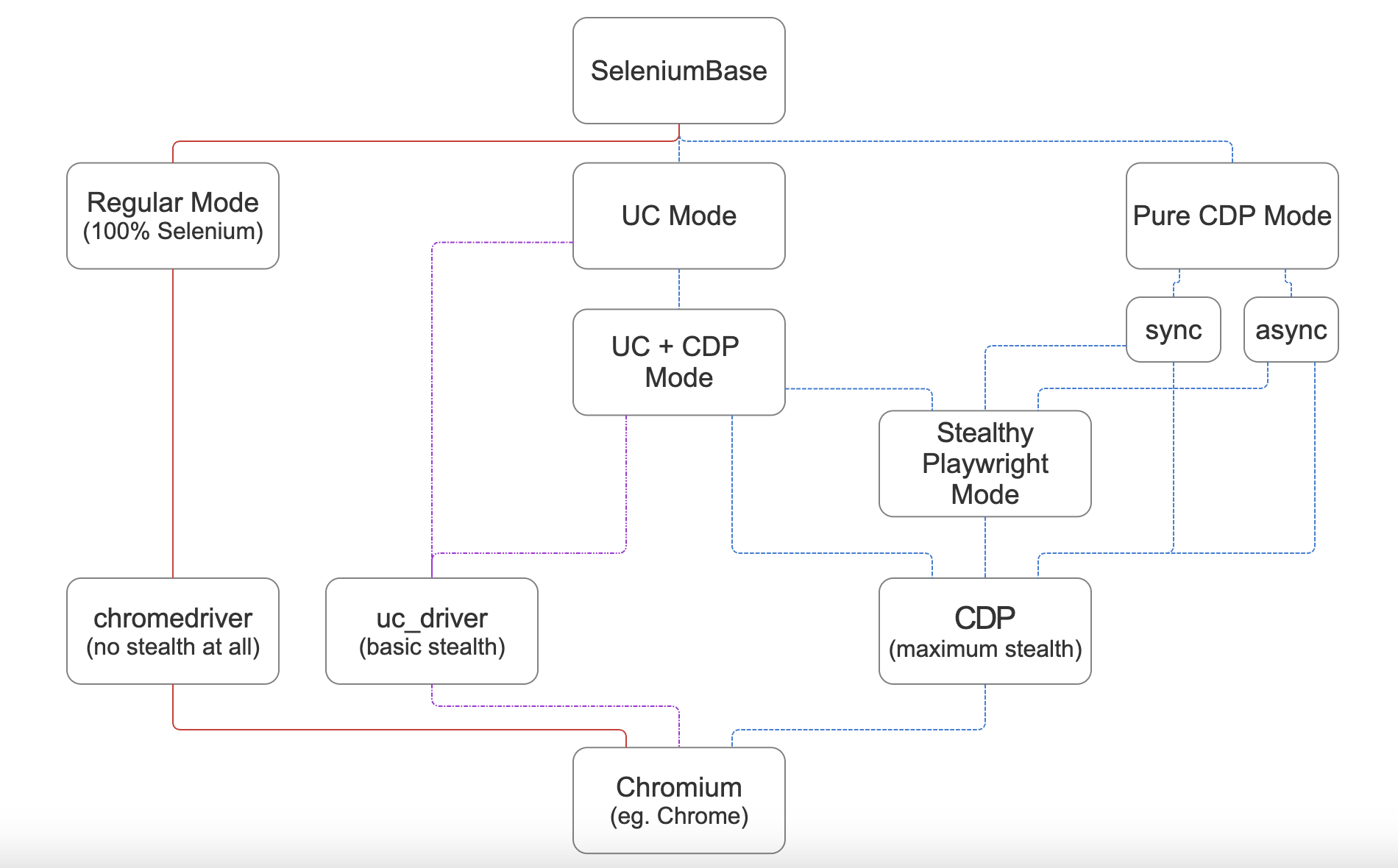
SeleniumBase CDP Mode comes in 3 formats:
-
✅
SB() "nested sync" format.✅
sb_cdp "sync" format. (Pure CDP)✅
cdp_driver "async" format. (Pure CDP)"Stealthy Playwright Mode" can be
initiated from any of these formats.
SeleniumBase CDP Mode comes in 3 formats:
-
✅
SB() "nested sync" format.✅
sb_cdp "sync" format. (Pure CDP)✅
cdp_driver "async" format. (Pure CDP)"Stealthy Playwright Mode" can be
initiated from any of these formats.
SeleniumBase CDP Mode comes in 3 formats:
-
✅
SB() "nested sync" format.✅
sb_cdp "sync" format. (Pure CDP)✅
cdp_driver "async" format. (Pure CDP)"Stealthy Playwright Mode" can be
initiated from any of these formats.
SeleniumBase CDP Mode comes in 3 formats:
-
✅
SB() "nested sync" format.✅
sb_cdp "sync" format. (Pure CDP)✅
cdp_driver "async" format. (Pure CDP)"Stealthy Playwright Mode" can be
initiated from any of these formats.
SeleniumBase CDP Mode comes in 3 formats:
-
✅
SB() "nested sync" format.✅
sb_cdp "sync" format. (Pure CDP)✅
cdp_driver "async" format. (Pure CDP)"Stealthy Playwright Mode" can be
initiated from any of these formats.
sb_cdp "sync" Stealthly Playwright Mode example:
from playwright.sync_api import sync_playwright
from seleniumbase import sb_cdp

sb = sb_cdp.Chrome()
endpoint_url = sb.get_endpoint_url()

with sync_playwright() as p:
    browser = p.chromium.connect_over_cdp(endpoint_url)
    page = browser.contexts[0].pages[0]
    page.goto("https://copilot.microsoft.com")
    page.wait_for_selector("textarea#userInput")
    query = "Playwright Python connect_over_cdp() sync example"
    page.fill("textarea#userInput", query)
    page.wait_for_timeout(2000)
    page.click('button[data-testid="submit-button"]')
    sb.sleep(5.25)
    sb.solve_captcha()
    ...
sb_cdp "sync" Stealthly Playwright Mode example:
from playwright.sync_api import sync_playwright
from seleniumbase import sb_cdp

sb = sb_cdp.Chrome()
endpoint_url = sb.get_endpoint_url()

with sync_playwright() as p:
    browser = p.chromium.connect_over_cdp(endpoint_url)
    page = browser.contexts[0].pages[0]
    page.goto("https://copilot.microsoft.com")
    page.wait_for_selector("textarea#userInput")
    query = "Playwright Python connect_over_cdp() sync example"
    page.fill("textarea#userInput", query)
    page.wait_for_timeout(2000)
    page.click('button[data-testid="submit-button"]')
    sb.sleep(5.25)
    sb.solve_captcha()
    ...
sb_cdp "sync" Stealthly Playwright Mode example:
from playwright.sync_api import sync_playwright
from seleniumbase import sb_cdp

sb = sb_cdp.Chrome()
endpoint_url = sb.get_endpoint_url()

with sync_playwright() as p:
    browser = p.chromium.connect_over_cdp(endpoint_url)
    page = browser.contexts[0].pages[0]
    page.goto("https://copilot.microsoft.com")
    page.wait_for_selector("textarea#userInput")
    query = "Playwright Python connect_over_cdp() sync example"
    page.fill("textarea#userInput", query)
    page.wait_for_timeout(2000)
    page.click('button[data-testid="submit-button"]')
    sb.sleep(5.25)
    sb.solve_captcha()
    ...
sb_cdp "sync" Stealthly Playwright Mode example:
from playwright.sync_api import sync_playwright
from seleniumbase import sb_cdp

sb = sb_cdp.Chrome()
endpoint_url = sb.get_endpoint_url()

with sync_playwright() as p:
    browser = p.chromium.connect_over_cdp(endpoint_url)
    page = browser.contexts[0].pages[0]
    page.goto("https://copilot.microsoft.com")
    page.wait_for_selector("textarea#userInput")
    query = "Playwright Python connect_over_cdp() sync example"
    page.fill("textarea#userInput", query)
    page.wait_for_timeout(2000)
    page.click('button[data-testid="submit-button"]')
    sb.sleep(5.25)
    sb.solve_captcha()
    ...
sb_cdp "sync" Stealthly Playwright Mode example:
from playwright.sync_api import sync_playwright
from seleniumbase import sb_cdp

sb = sb_cdp.Chrome()
endpoint_url = sb.get_endpoint_url()

with sync_playwright() as p:
    browser = p.chromium.connect_over_cdp(endpoint_url)
    page = browser.contexts[0].pages[0]
    page.goto("https://copilot.microsoft.com")
    page.wait_for_selector("textarea#userInput")
    query = "Playwright Python connect_over_cdp() sync example"
    page.fill("textarea#userInput", query)
    page.wait_for_timeout(2000)
    page.click('button[data-testid="submit-button"]')
    sb.sleep(5.25)
    sb.solve_captcha()
    ...
sb_cdp "sync" Stealthly Playwright Mode example:
from playwright.sync_api import sync_playwright
from seleniumbase import sb_cdp

sb = sb_cdp.Chrome()
endpoint_url = sb.get_endpoint_url()

with sync_playwright() as p:
    browser = p.chromium.connect_over_cdp(endpoint_url)
    page = browser.contexts[0].pages[0]
    page.goto("https://copilot.microsoft.com")
    page.wait_for_selector("textarea#userInput")
    query = "Playwright Python connect_over_cdp() sync example"
    page.fill("textarea#userInput", query)
    page.wait_for_timeout(2000)
    page.click('button[data-testid="submit-button"]')
    sb.sleep(5.25)
    sb.solve_captcha()
    ...
sb_cdp "sync" Stealthly Playwright Mode example:
from playwright.sync_api import sync_playwright
from seleniumbase import sb_cdp

sb = sb_cdp.Chrome()
endpoint_url = sb.get_endpoint_url()

with sync_playwright() as p:
    browser = p.chromium.connect_over_cdp(endpoint_url)
    page = browser.contexts[0].pages[0]
    page.goto("https://copilot.microsoft.com")
    page.wait_for_selector("textarea#userInput")
    query = "Playwright Python connect_over_cdp() sync example"
    page.fill("textarea#userInput", query)
    page.wait_for_timeout(2000)
    page.click('button[data-testid="submit-button"]')
    sb.sleep(5.25)
    sb.solve_captcha()
    ...
sb_cdp "sync" Stealthly Playwright Mode example:
from playwright.sync_api import sync_playwright
from seleniumbase import sb_cdp

sb = sb_cdp.Chrome()
endpoint_url = sb.get_endpoint_url()

with sync_playwright() as p:
    browser = p.chromium.connect_over_cdp(endpoint_url)
    page = browser.contexts[0].pages[0]
    page.goto("https://copilot.microsoft.com")
    page.wait_for_selector("textarea#userInput")
    query = "Playwright Python connect_over_cdp() sync example"
    page.fill("textarea#userInput", query)
    page.wait_for_timeout(2000)
    page.click('button[data-testid="submit-button"]')
    sb.sleep(5.25)
    sb.solve_captcha()
    ...
sb_cdp "sync" Stealthly Playwright Mode example:
from playwright.sync_api import sync_playwright
from seleniumbase import sb_cdp

sb = sb_cdp.Chrome()
endpoint_url = sb.get_endpoint_url()

with sync_playwright() as p:
    browser = p.chromium.connect_over_cdp(endpoint_url)
    page = browser.contexts[0].pages[0]
    page.goto("https://copilot.microsoft.com")
    page.wait_for_selector("textarea#userInput")
    query = "Playwright Python connect_over_cdp() sync example"
    page.fill("textarea#userInput", query)
    page.wait_for_timeout(2000)
    page.click('button[data-testid="submit-button"]')
    sb.sleep(5.25)
    sb.solve_captcha()
    ...
sb_cdp "sync" Stealthly Playwright Mode example:
from playwright.sync_api import sync_playwright
from seleniumbase import sb_cdp

sb = sb_cdp.Chrome()
endpoint_url = sb.get_endpoint_url()

with sync_playwright() as p:
    browser = p.chromium.connect_over_cdp(endpoint_url)
    page = browser.contexts[0].pages[0]
    page.goto("https://copilot.microsoft.com")
    page.wait_for_selector("textarea#userInput")
    query = "Playwright Python connect_over_cdp() sync example"
    page.fill("textarea#userInput", query)
    page.wait_for_timeout(2000)
    page.click('button[data-testid="submit-button"]')
    sb.sleep(5.25)
    sb.solve_captcha()
    ...
sb_cdp "sync" Stealthly Playwright Mode example:
from playwright.sync_api import sync_playwright
from seleniumbase import sb_cdp

sb = sb_cdp.Chrome()
endpoint_url = sb.get_endpoint_url()

with sync_playwright() as p:
    browser = p.chromium.connect_over_cdp(endpoint_url)
    page = browser.contexts[0].pages[0]
    page.goto("https://copilot.microsoft.com")
    page.wait_for_selector("textarea#userInput")
    query = "Playwright Python connect_over_cdp() sync example"
    page.fill("textarea#userInput", query)
    page.wait_for_timeout(2000)
    page.click('button[data-testid="submit-button"]')
    sb.sleep(5.25)
    sb.solve_captcha()
    ...
sb_cdp "sync" Stealthly Playwright Mode example:
from playwright.sync_api import sync_playwright
from seleniumbase import sb_cdp

sb = sb_cdp.Chrome()
endpoint_url = sb.get_endpoint_url()

with sync_playwright() as p:
    browser = p.chromium.connect_over_cdp(endpoint_url)
    page = browser.contexts[0].pages[0]
    page.goto("https://copilot.microsoft.com")
    page.wait_for_selector("textarea#userInput")
    query = "Playwright Python connect_over_cdp() sync example"
    page.fill("textarea#userInput", query)
    page.wait_for_timeout(2000)
    page.click('button[data-testid="submit-button"]')
    sb.sleep(5.25)
    sb.solve_captcha()
    ...
sb_cdp "sync" Stealthly Playwright Mode example:
from playwright.sync_api import sync_playwright
from seleniumbase import sb_cdp

sb = sb_cdp.Chrome()
endpoint_url = sb.get_endpoint_url()

with sync_playwright() as p:
    browser = p.chromium.connect_over_cdp(endpoint_url)
    page = browser.contexts[0].pages[0]
    page.goto("https://copilot.microsoft.com")
    page.wait_for_selector("textarea#userInput")
    query = "Playwright Python connect_over_cdp() sync example"
    page.fill("textarea#userInput", query)
    page.wait_for_timeout(2000)
    page.click('button[data-testid="submit-button"]')
    sb.sleep(5.25)
    sb.solve_captcha()
    ...
sb_cdp "sync" Stealthly Playwright Mode example:
from playwright.sync_api import sync_playwright
from seleniumbase import sb_cdp

sb = sb_cdp.Chrome()
endpoint_url = sb.get_endpoint_url()

with sync_playwright() as p:
    browser = p.chromium.connect_over_cdp(endpoint_url)
    page = browser.contexts[0].pages[0]
    page.goto("https://copilot.microsoft.com")
    page.wait_for_selector("textarea#userInput")
    query = "Playwright Python connect_over_cdp() sync example"
    page.fill("textarea#userInput", query)
    page.wait_for_timeout(2000)
    page.click('button[data-testid="submit-button"]')
    sb.sleep(5.25)
    sb.solve_captcha()
    ...
sb_cdp "sync" Stealthly Playwright Mode example:
from playwright.sync_api import sync_playwright
from seleniumbase import sb_cdp

sb = sb_cdp.Chrome()
endpoint_url = sb.get_endpoint_url()

with sync_playwright() as p:
    browser = p.chromium.connect_over_cdp(endpoint_url)
    page = browser.contexts[0].pages[0]
    page.goto("https://copilot.microsoft.com")
    page.wait_for_selector("textarea#userInput")
    query = "Playwright Python connect_over_cdp() sync example"
    page.fill("textarea#userInput", query)
    page.wait_for_timeout(2000)
    page.click('button[data-testid="submit-button"]')
    sb.sleep(5.25)
    sb.solve_captcha()
    ...
sb_cdp "sync" Stealthly Playwright Mode example:
from playwright.sync_api import sync_playwright
from seleniumbase import sb_cdp

sb = sb_cdp.Chrome()
endpoint_url = sb.get_endpoint_url()

with sync_playwright() as p:
    browser = p.chromium.connect_over_cdp(endpoint_url)
    page = browser.contexts[0].pages[0]
    page.goto("https://copilot.microsoft.com")
    page.wait_for_selector("textarea#userInput")
    query = "Playwright Python connect_over_cdp() sync example"
    page.fill("textarea#userInput", query)
    page.wait_for_timeout(2000)
    page.click('button[data-testid="submit-button"]')
    sb.sleep(5.25)
    sb.solve_captcha()
    ...
sb_cdp "sync" Stealthly Playwright Mode example:
from playwright.sync_api import sync_playwright
from seleniumbase import sb_cdp

sb = sb_cdp.Chrome()
endpoint_url = sb.get_endpoint_url()

with sync_playwright() as p:
    browser = p.chromium.connect_over_cdp(endpoint_url)
    page = browser.contexts[0].pages[0]
    page.goto("https://copilot.microsoft.com")
    page.wait_for_selector("textarea#userInput")
    query = "Playwright Python connect_over_cdp() sync example"
    page.fill("textarea#userInput", query)
    page.wait_for_timeout(2000)
    page.click('button[data-testid="submit-button"]')
    sb.sleep(5.25)
    sb.solve_captcha()
    ...
It's time for that live demo where we use Stealthy
Playwright Mode to bypass Copilot's CAPTCHA...
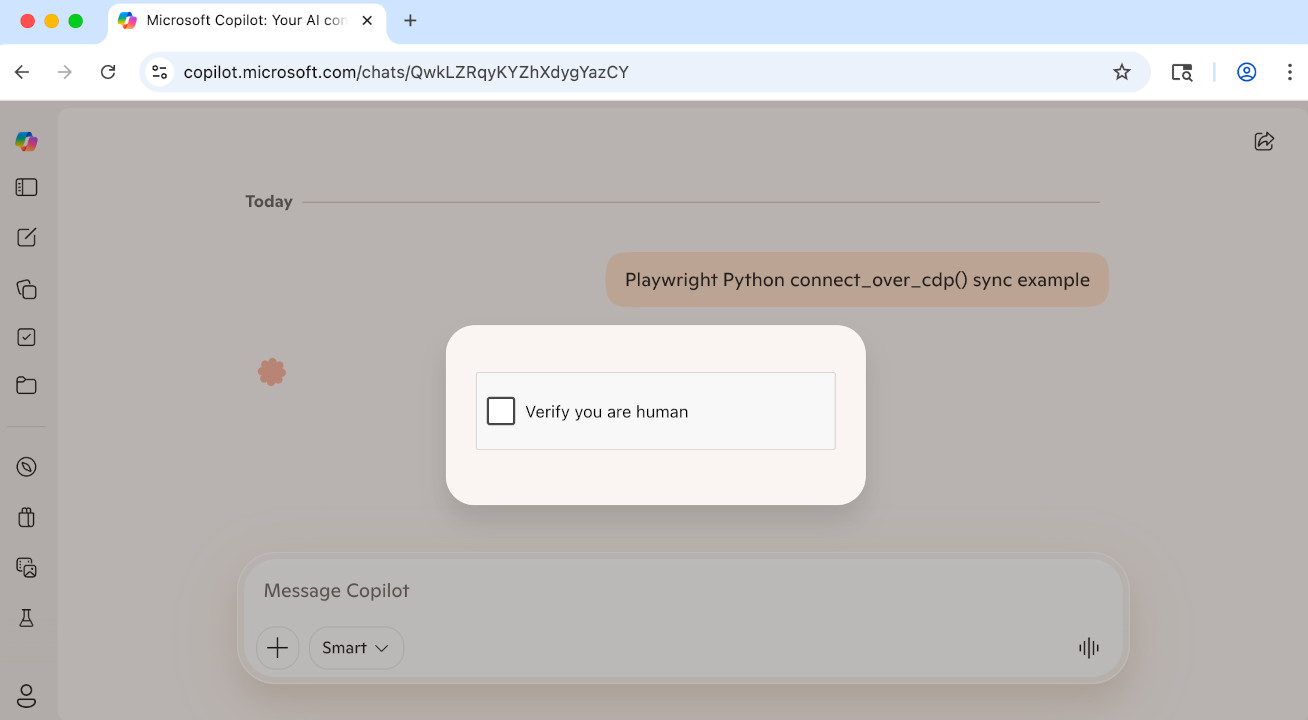
Are you ready for another live demo?
Let's do some Walmart scraping now...
Are you ready for another live demo?
Let's do some Walmart scraping now...
Let's do another live demo
before returning to the learning.
This time, we're web-scraping TikTok...
Let's do another live demo
before returning to the learning.
This time, we're web-scraping TikTok...
PyAutoGUI is one such tool: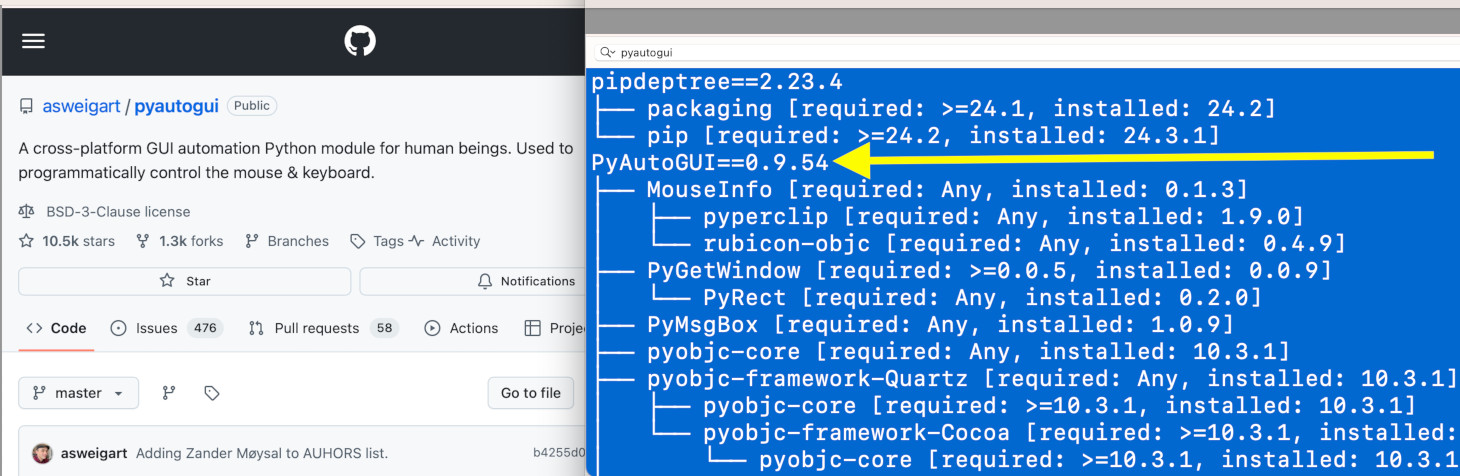
PyAutoGUI is one such tool:
Since most Linux machines have headless displays that don't support headed browsers, an external tool called Xvfb must be used in order to simulate a headed browser in a headless Linux environment...
Since most Linux machines have headless displays that don't support headed browsers, an external tool called Xvfb must be used in order to simulate a headed browser in a headless Linux environment...
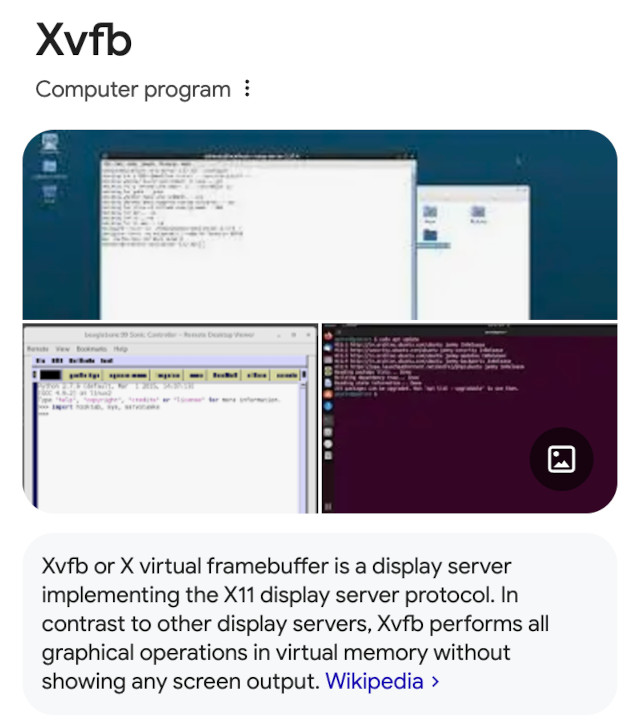
Xvfb is automatically used when needed in SeleniumBase.
This makes stealthy automation easy from Linux servers.
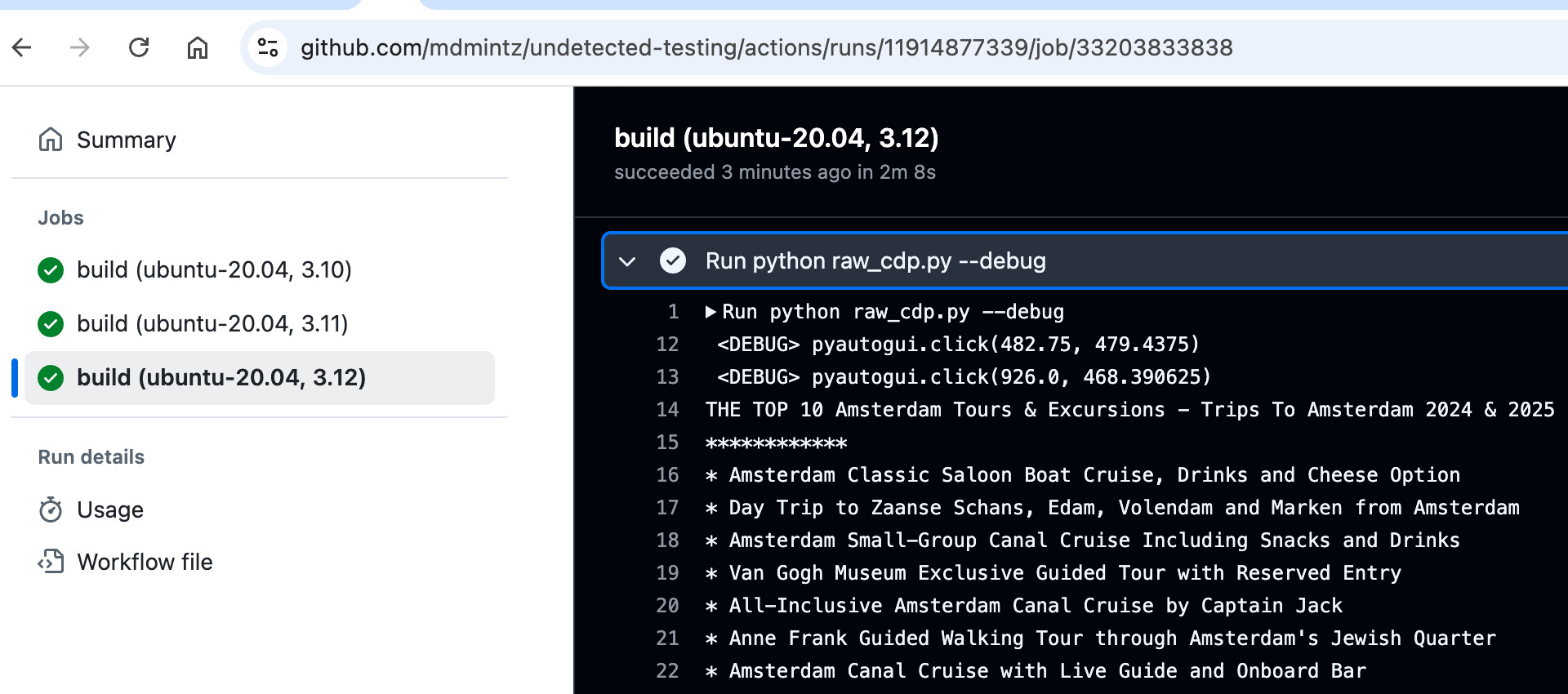
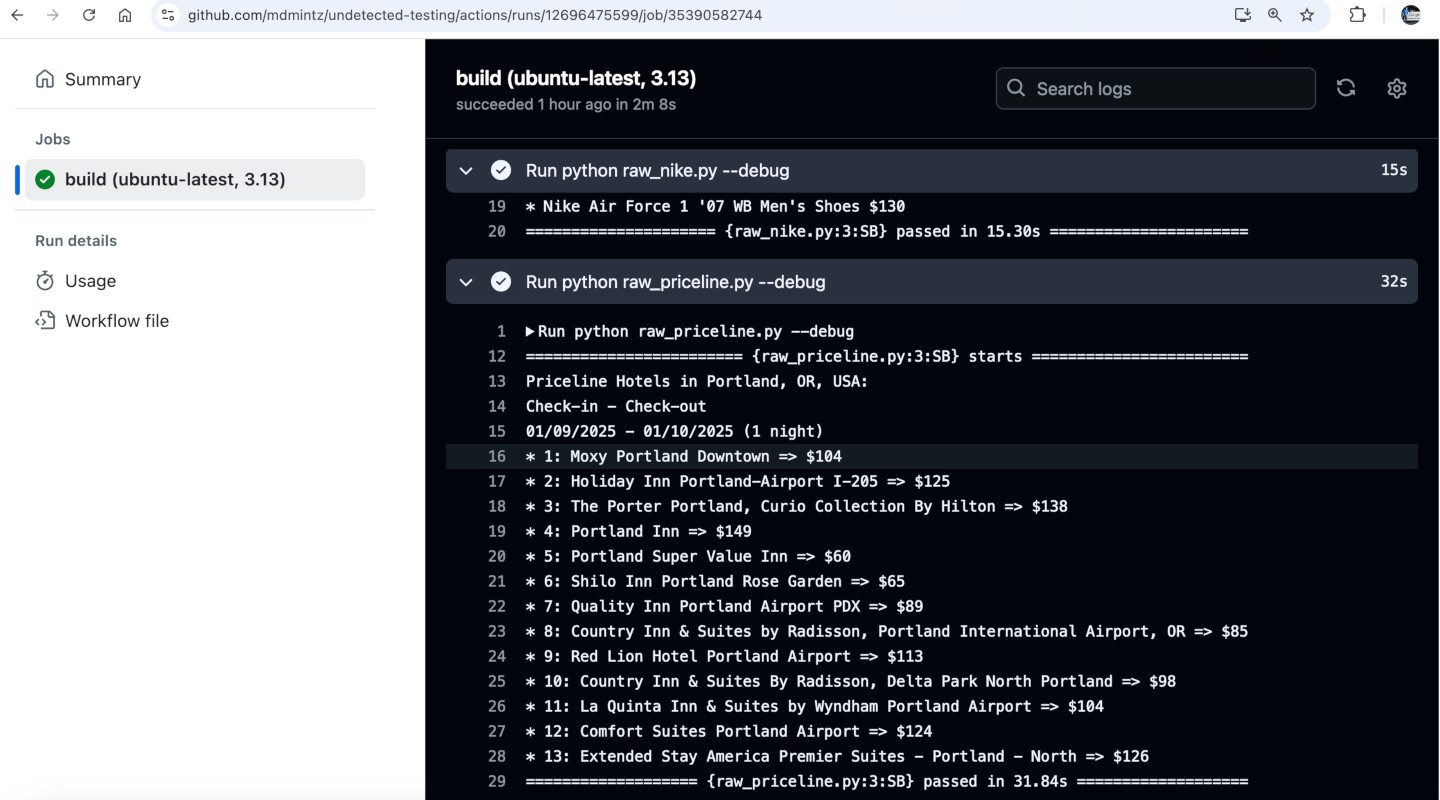
Here's another GitHub Actions example:
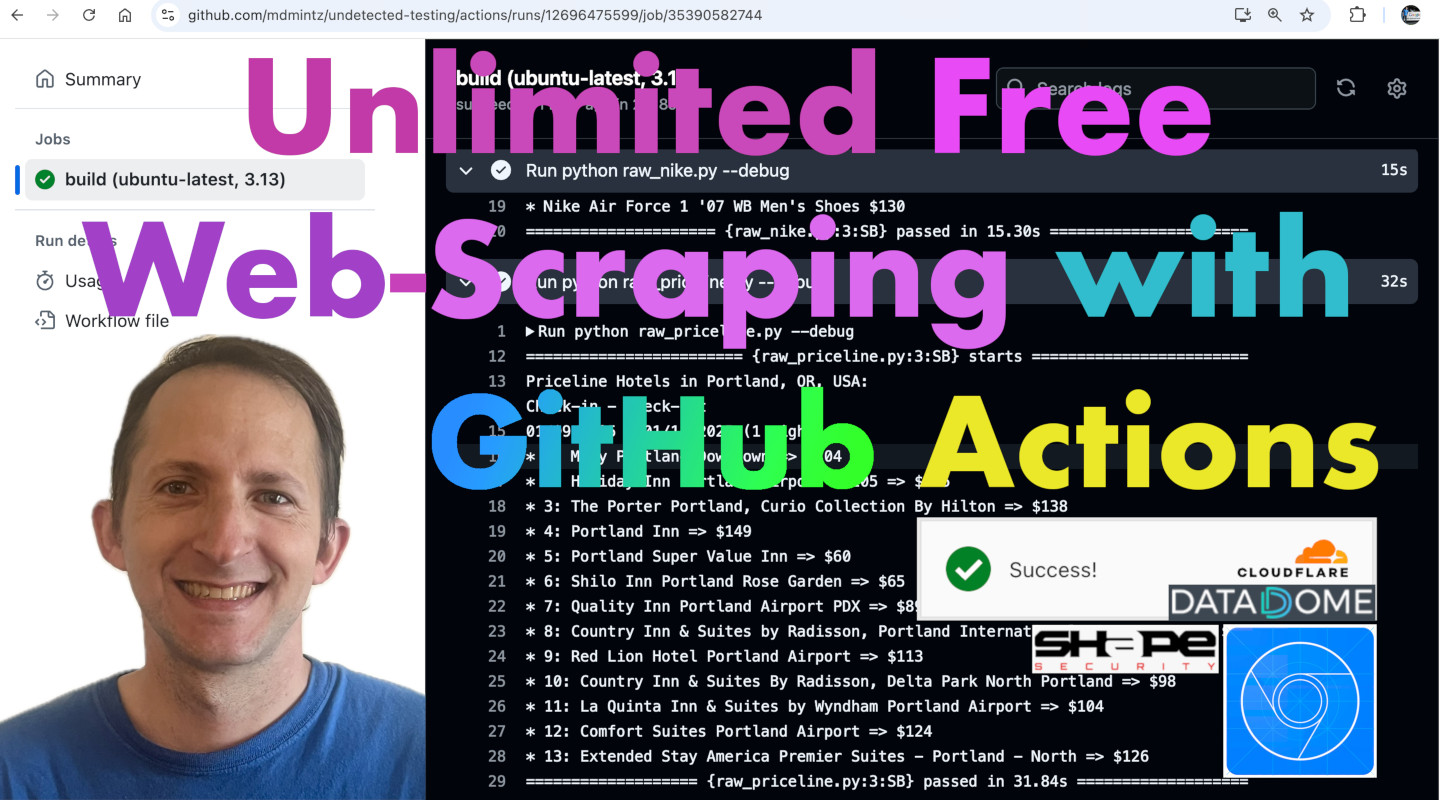
I have a full YouTube tutorial on that:
Same story with stealthy Docker automation:
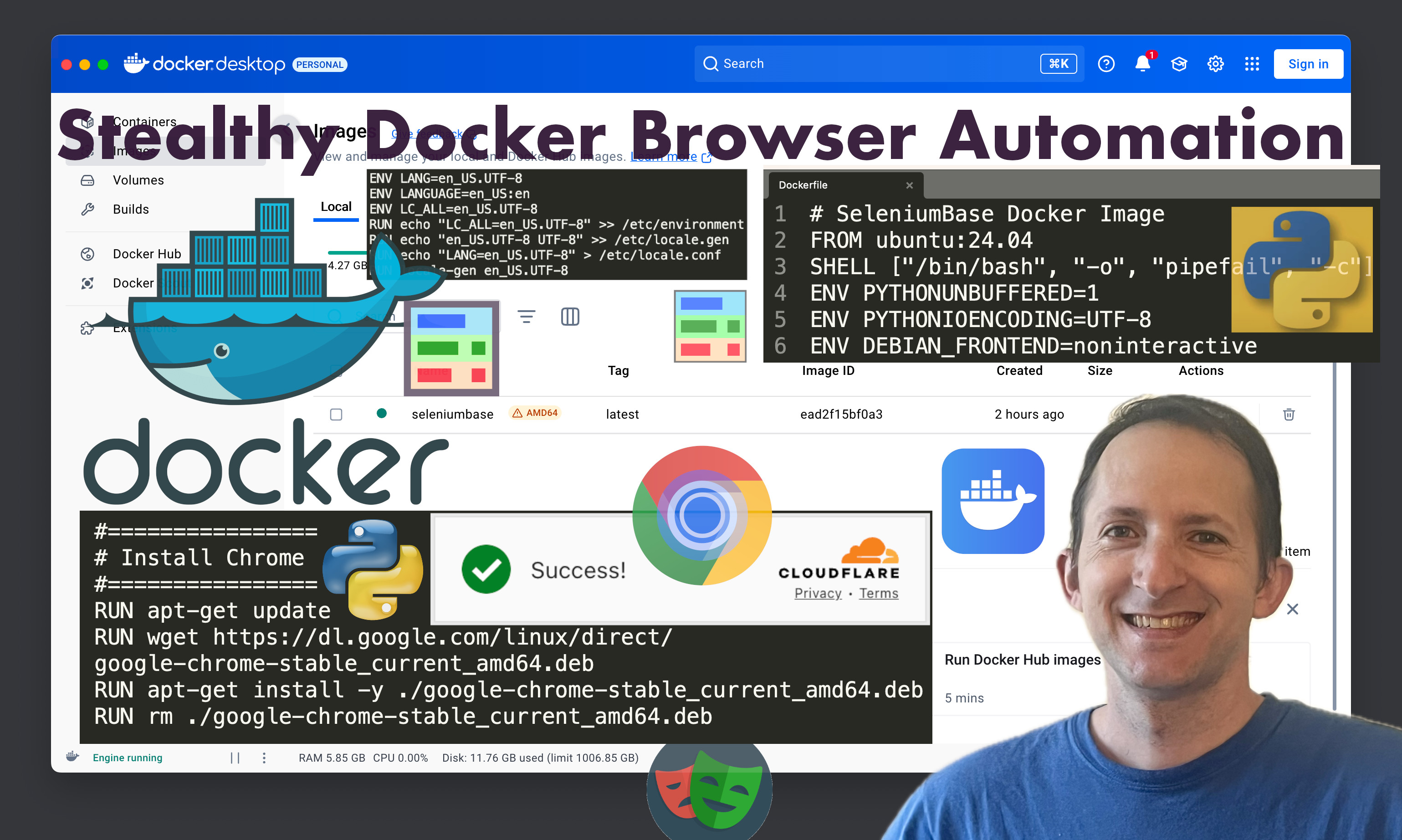
Note that Docker requires extra config to be stealthy!
These changes can be made from the Dockerfile.

Note that Docker requires extra config to be stealthy!
These changes can be made from the Dockerfile.
For instance, some standard fonts are not
installed from the default Docker config.
This is a problem because websites can see
which fonts are installed on your system.
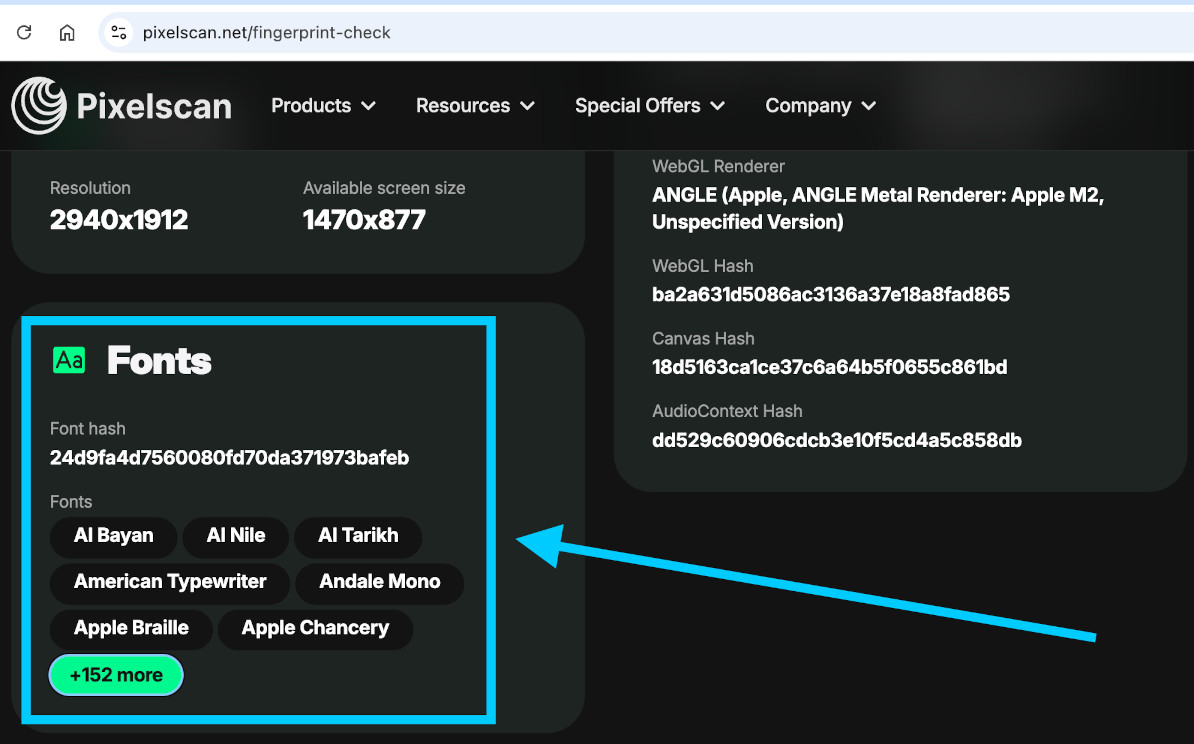
If your system is missing standard fonts,
then websites know you're running from a server,
and therefore they know you're using automation.

The SeleniumBase Dockerfile has you covered:
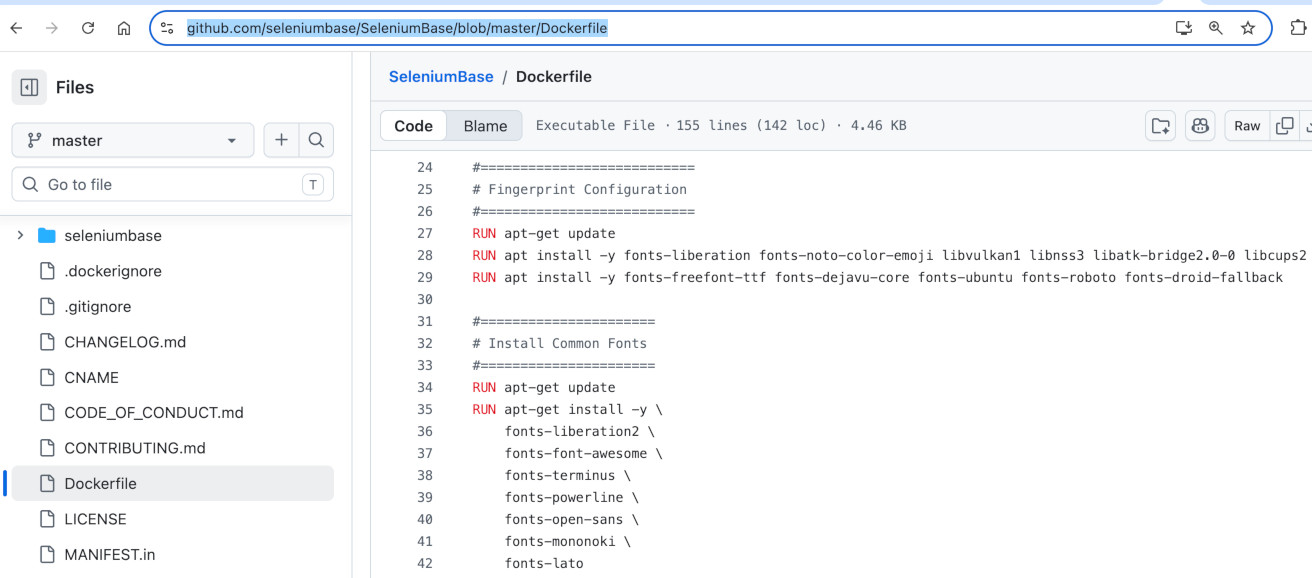
It would be a big mistake to think that you can
be stealthy in a regular Docker container without
changing the default fonts and configuration...

In the spirit of online shopping,
the next demo is on Nordstrom...
And now for some Ralph Lauren...
Let's wrap up this quick
shopping session on Kohls...
Now that we have the ingredients for stealth...
-
✅ An automation framework that uses
a browser with a natural fingerprint.
✅ CDP methods for performing natural actions
(eg.
Input.dispatchMouseEvent).✅ PyAutoGUI for performing trickier actions
(eg. drag-and-drop with a real mouse).
✅ Xvfb integration for using headed browsers
on Linux systems that don't have a GUI.
Now that we have the ingredients for stealth...
-
✅ An automation framework that uses
a browser with a natural fingerprint.
✅ CDP methods for performing natural actions
(eg.
Input.dispatchMouseEvent).✅ PyAutoGUI for performing trickier actions
(eg. drag-and-drop with a real mouse).
✅ Xvfb integration for using headed browsers
on Linux systems that don't have a GUI.
Now that we have the ingredients for stealth...
-
✅ An automation framework that uses
a browser with a natural fingerprint.
✅ CDP methods for performing natural actions
(eg.
Input.dispatchMouseEvent).✅ PyAutoGUI for performing trickier actions
(eg. drag-and-drop with a real mouse).
✅ Xvfb integration for using headed browsers
on Linux systems that don't have a GUI.
Now that we have the ingredients for stealth...
-
✅ An automation framework that uses
a browser with a natural fingerprint.
✅ CDP methods for performing natural actions
(eg.
Input.dispatchMouseEvent).✅ PyAutoGUI for performing trickier actions
(eg. drag-and-drop with a real mouse).
✅ Xvfb integration for using headed browsers
on Linux systems that don't have a GUI.
Now that we have the ingredients for stealth...
-
✅ An automation framework that uses
a browser with a natural fingerprint.
✅ CDP methods for performing natural actions
(eg.
Input.dispatchMouseEvent).✅ PyAutoGUI for performing trickier actions
(eg. drag-and-drop with a real mouse).
✅ Xvfb integration for using headed browsers
on Linux systems that don't have a GUI.
Get ready for some live demos of that!
Get ready for some live demos of that!
🔹 One method call does it all: 🔹
✅ sb.solve_captcha()
🔹 One method call does it all: 🔹
✅ sb.solve_captcha()
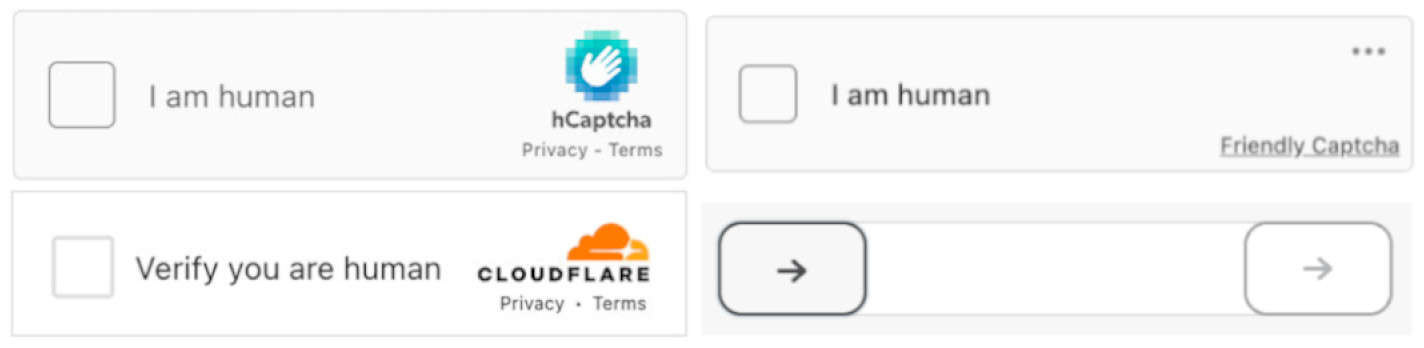
sb.solve_captcha() handles all of these:
-
✅ Cloudflare Turnstile
✅ Friendly Captcha
✅ DataDome Slider Captcha
✅ Imperva-based hCaptcha
sb.solve_captcha() handles all of these:
-
✅ Cloudflare Turnstile
✅ Friendly Captcha
✅ DataDome Slider Captcha
✅ Imperva-based hCaptcha
sb.solve_captcha() handles all of these:
-
✅ Cloudflare Turnstile
✅ Friendly Captcha
✅ DataDome Slider Captcha
✅ Imperva-based hCaptcha
sb.solve_captcha() handles all of these:
-
✅ Cloudflare Turnstile
✅ Friendly Captcha
✅ DataDome Slider Captcha
✅ Imperva-based hCaptcha
sb.solve_captcha() handles all of these:
-
✅ Cloudflare Turnstile
✅ Friendly Captcha
✅ DataDome Slider Captcha
✅ Imperva-based hCaptcha
we're bypassing all these CAPTCHAs...
but things may not actually be as they seem...

we're bypassing all these CAPTCHAs...
but things may not actually be as they seem...
Important Notice:
(Know the laws and legal implications of scraping!)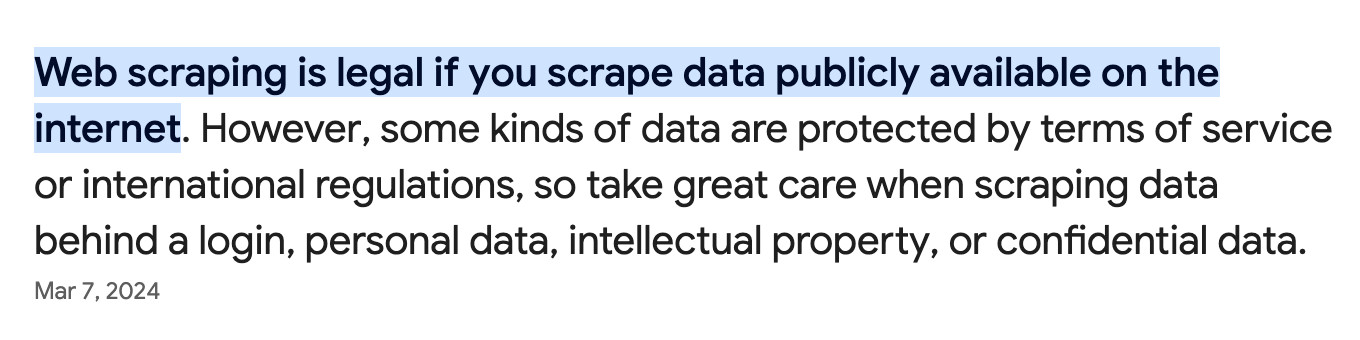
Important Notice:
(Know the laws and legal implications of scraping!)
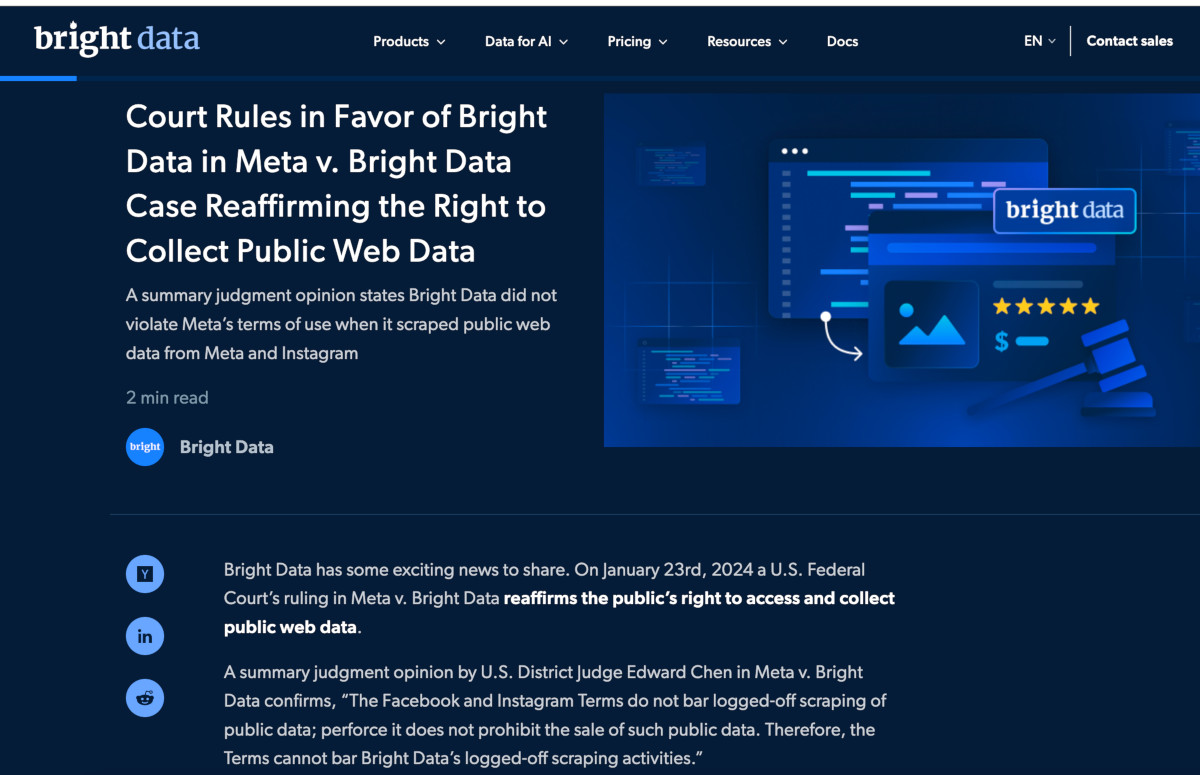
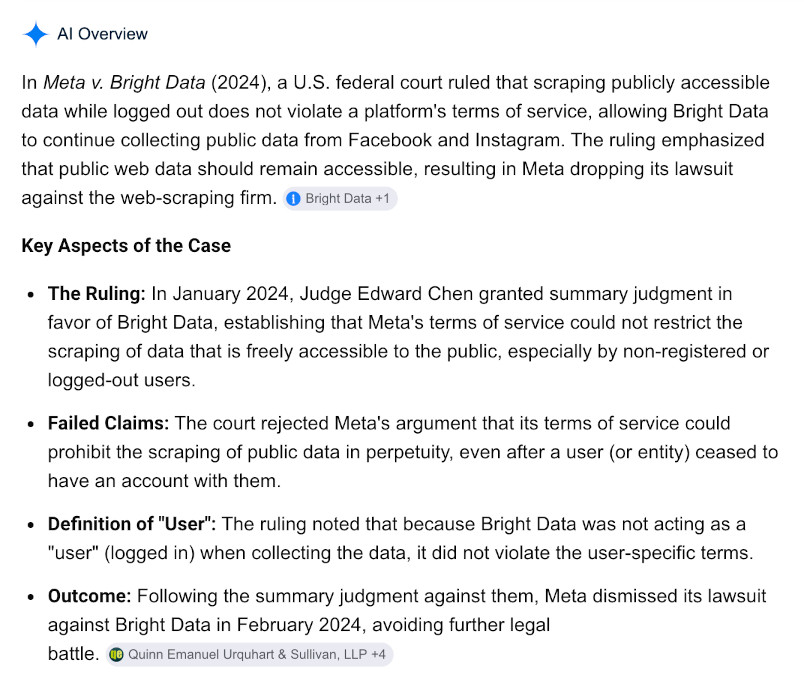
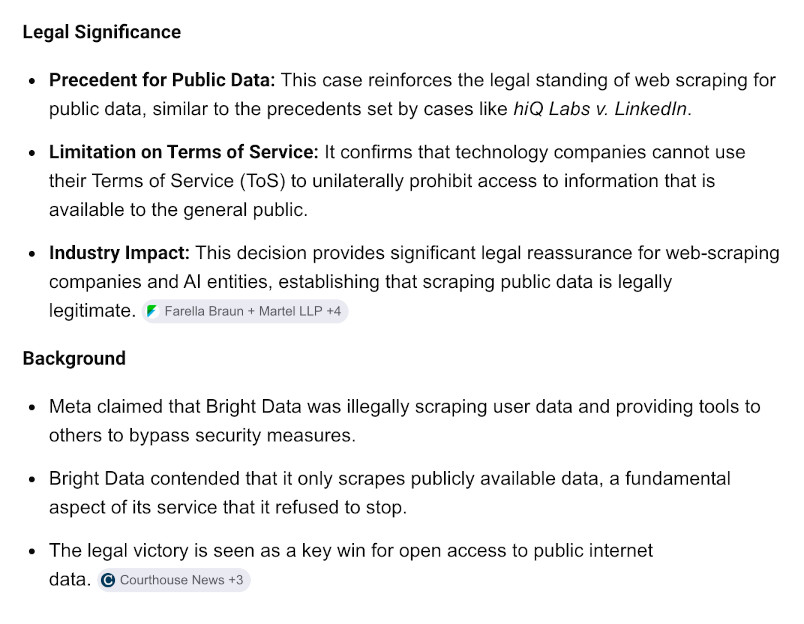
let's go web-scraping on Facebook's public pages...
let's go web-scraping on Facebook's public pages...
then it'll need to hide that data from public view...
then it'll need to hide that data from public view...
websites may detect this as bot-traffic and block you...
To avoid this:
✅ Space out your actions so that the
automation moves at human-like speed.
✅ Random
sleep() calls can help.
websites may detect this as bot-traffic and block you...
To avoid this:
✅ Space out your actions so that the
automation moves at human-like speed.
✅ Random
sleep() calls can help.
websites may detect this as bot-traffic and block you...
To avoid this:
✅ Space out your actions so that the
automation moves at human-like speed.
✅ Random
sleep() calls can help.
websites may detect this as bot-traffic and block you...
To avoid this:
✅ Space out your actions so that the
automation moves at human-like speed.
✅ Random
sleep() calls can help.
This may happen when some anti-bots detect you:
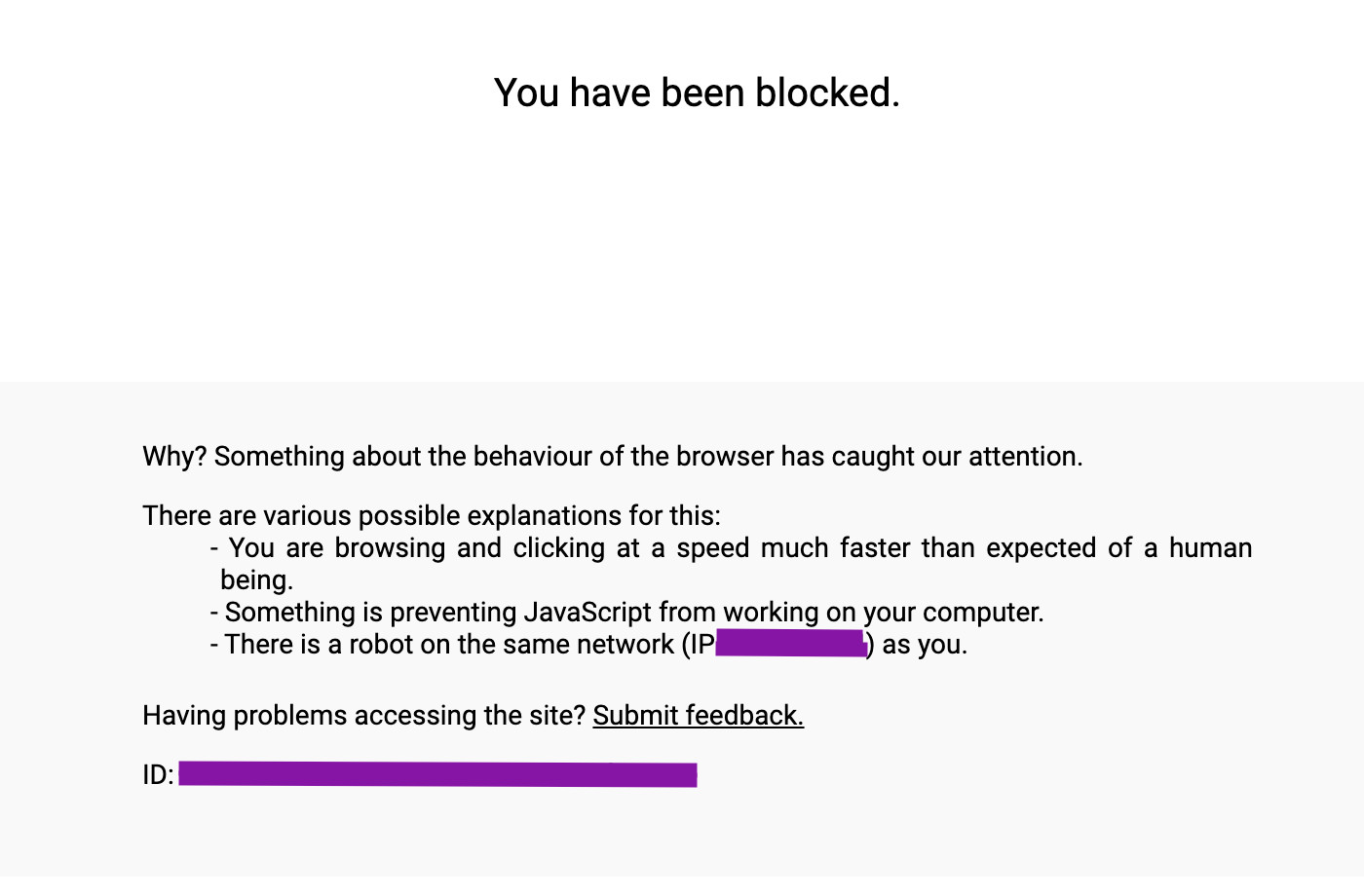
If that happens, your bot might not get a chance
to solve a CAPTCHA to prove its humanity.

In other cases, your bot may face a challenge...
If that happens, your bot might not get a chance
to solve a CAPTCHA to prove its humanity.
In other cases, your bot may face a challenge...
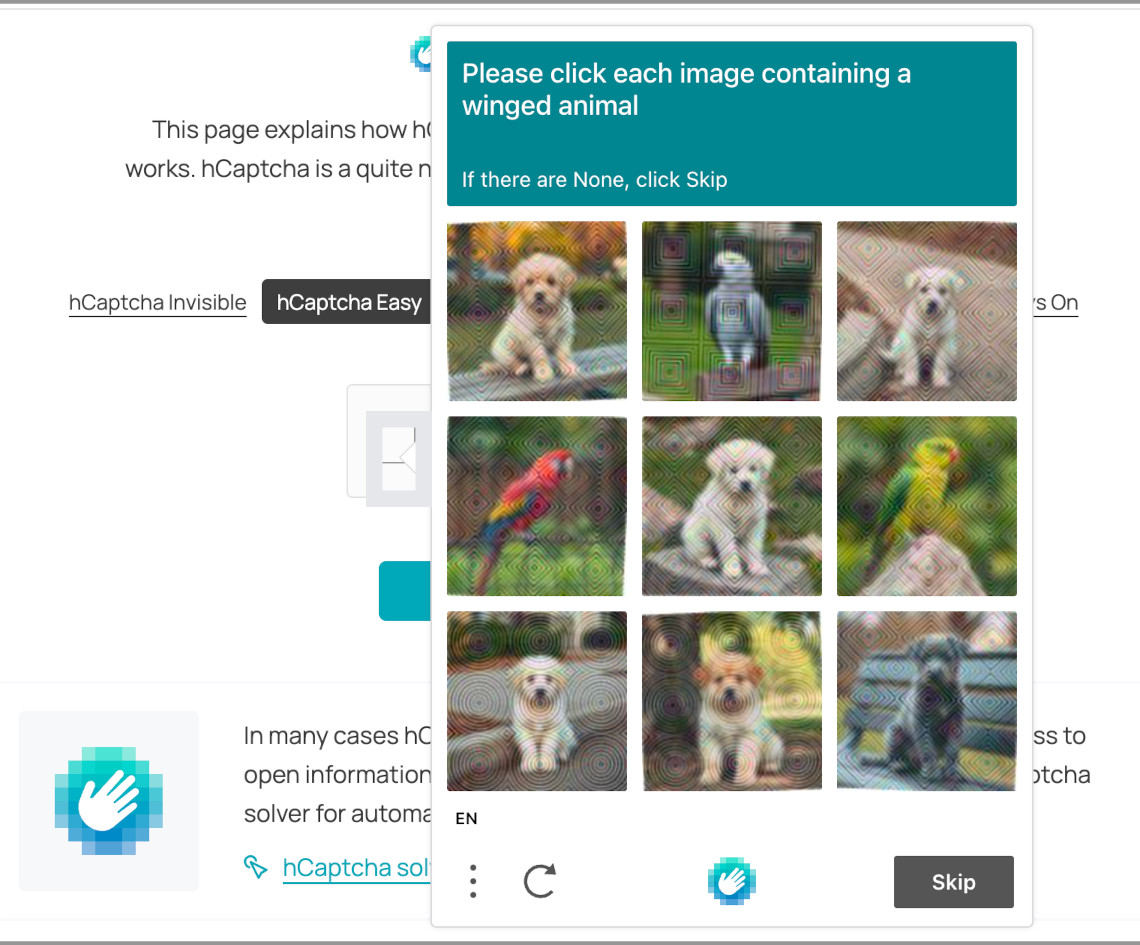
This is what happens if hCAPTCHA detects bots:
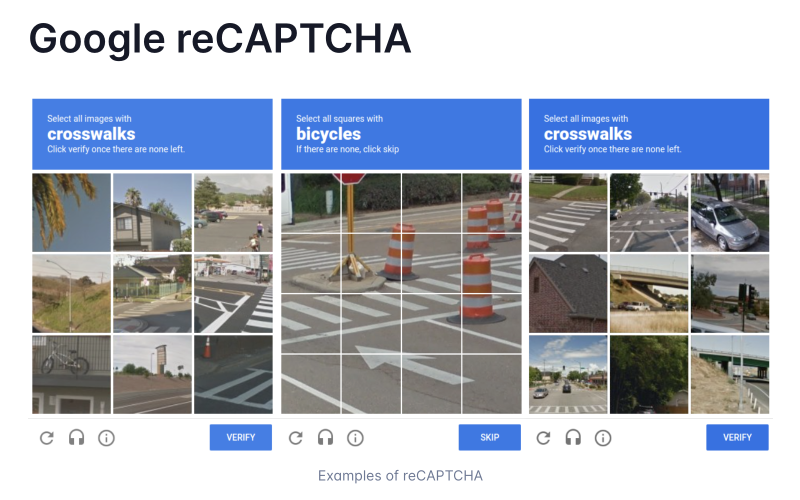
This is what happens if reCAPTCHA detects bots:
And this is what happens when Gandalf blocks you:

Get ready for a web-scraping
live demo on Amazon.com ...
Let's take a look at that Amazon-scraping script:
from seleniumbase import SB

with SB(uc=True, test=True, ad_block=True) as sb:
    sb.activate_cdp_mode()
    sb.goto("https://www.amazon.com")
    sb.sleep(2)
    sb.click_if_visible('button[alt="Continue shopping"]')
    sb.sleep(2)
    sb.press_keys('input[role="searchbox"]', "TI-89\n")
    sb.sleep(3)
    for i in range(16):
        sb.scroll_down(16)
    print(sb.get_page_title())
    sb.save_as_pdf_to_logs()
    sb.save_page_source_to_logs()
    sb.save_screenshot_to_logs()
    print("Logs have been saved to: ./latest_logs/")
Let's take a look at that Amazon-scraping script:
from seleniumbase import SB

with SB(uc=True, test=True, ad_block=True) as sb:
    sb.activate_cdp_mode()
    sb.goto("https://www.amazon.com")
    sb.sleep(2)
    sb.click_if_visible('button[alt="Continue shopping"]')
    sb.sleep(2)
    sb.press_keys('input[role="searchbox"]', "TI-89\n")
    sb.sleep(3)
    for i in range(16):
        sb.scroll_down(16)
    print(sb.get_page_title())
    sb.save_as_pdf_to_logs()
    sb.save_page_source_to_logs()
    sb.save_screenshot_to_logs()
    print("Logs have been saved to: ./latest_logs/")
Let's take a look at that Amazon-scraping script:
from seleniumbase import SB

with SB(uc=True, test=True, ad_block=True) as sb:
    sb.activate_cdp_mode()
    sb.goto("https://www.amazon.com")
    sb.sleep(2)
    sb.click_if_visible('button[alt="Continue shopping"]')
    sb.sleep(2)
    sb.press_keys('input[role="searchbox"]', "TI-89\n")
    sb.sleep(3)
    for i in range(16):
        sb.scroll_down(16)
    print(sb.get_page_title())
    sb.save_as_pdf_to_logs()
    sb.save_page_source_to_logs()
    sb.save_screenshot_to_logs()
    print("Logs have been saved to: ./latest_logs/")
Let's take a look at that Amazon-scraping script:
from seleniumbase import SB

with SB(uc=True, test=True, ad_block=True) as sb:
    sb.activate_cdp_mode()
    sb.goto("https://www.amazon.com")
    sb.sleep(2)
    sb.click_if_visible('button[alt="Continue shopping"]')
    sb.sleep(2)
    sb.press_keys('input[role="searchbox"]', "TI-89\n")
    sb.sleep(3)
    for i in range(16):
        sb.scroll_down(16)
    print(sb.get_page_title())
    sb.save_as_pdf_to_logs()
    sb.save_page_source_to_logs()
    sb.save_screenshot_to_logs()
    print("Logs have been saved to: ./latest_logs/")
Let's take a look at that Amazon-scraping script:
from seleniumbase import SB

with SB(uc=True, test=True, ad_block=True) as sb:
    sb.activate_cdp_mode()
    sb.goto("https://www.amazon.com")
    sb.sleep(2)
    sb.click_if_visible('button[alt="Continue shopping"]')
    sb.sleep(2)
    sb.press_keys('input[role="searchbox"]', "TI-89\n")
    sb.sleep(3)
    for i in range(16):
        sb.scroll_down(16)
    print(sb.get_page_title())
    sb.save_as_pdf_to_logs()
    sb.save_page_source_to_logs()
    sb.save_screenshot_to_logs()
    print("Logs have been saved to: ./latest_logs/")
Let's take a look at that Amazon-scraping script:
from seleniumbase import SB

with SB(uc=True, test=True, ad_block=True) as sb:
    sb.activate_cdp_mode()
    sb.goto("https://www.amazon.com")
    sb.sleep(2)
    sb.click_if_visible('button[alt="Continue shopping"]')
    sb.sleep(2)
    sb.press_keys('input[role="searchbox"]', "TI-89\n")
    sb.sleep(3)
    for i in range(16):
        sb.scroll_down(16)
    print(sb.get_page_title())
    sb.save_as_pdf_to_logs()
    sb.save_page_source_to_logs()
    sb.save_screenshot_to_logs()
    print("Logs have been saved to: ./latest_logs/")
Let's take a look at that Amazon-scraping script:
from seleniumbase import SB

with SB(uc=True, test=True, ad_block=True) as sb:
    sb.activate_cdp_mode()
    sb.goto("https://www.amazon.com")
    sb.sleep(2)
    sb.click_if_visible('button[alt="Continue shopping"]')
    sb.sleep(2)
    sb.press_keys('input[role="searchbox"]', "TI-89\n")
    sb.sleep(3)
    for i in range(16):
        sb.scroll_down(16)
    print(sb.get_page_title())
    sb.save_as_pdf_to_logs()
    sb.save_page_source_to_logs()
    sb.save_screenshot_to_logs()
    print("Logs have been saved to: ./latest_logs/")
Let's take a look at that Amazon-scraping script:
from seleniumbase import SB

with SB(uc=True, test=True, ad_block=True) as sb:
    sb.activate_cdp_mode()
    sb.goto("https://www.amazon.com")
    sb.sleep(2)
    sb.click_if_visible('button[alt="Continue shopping"]')
    sb.sleep(2)
    sb.press_keys('input[role="searchbox"]', "TI-89\n")
    sb.sleep(3)
    for i in range(16):
        sb.scroll_down(16)
    print(sb.get_page_title())
    sb.save_as_pdf_to_logs()
    sb.save_page_source_to_logs()
    sb.save_screenshot_to_logs()
    print("Logs have been saved to: ./latest_logs/")
Let's take a look at that Amazon-scraping script:
from seleniumbase import SB

with SB(uc=True, test=True, ad_block=True) as sb:
    sb.activate_cdp_mode()
    sb.goto("https://www.amazon.com")
    sb.sleep(2)
    sb.click_if_visible('button[alt="Continue shopping"]')
    sb.sleep(2)
    sb.press_keys('input[role="searchbox"]', "TI-89\n")
    sb.sleep(3)
    for i in range(16):
        sb.scroll_down(16)
    print(sb.get_page_title())
    sb.save_as_pdf_to_logs()
    sb.save_page_source_to_logs()
    sb.save_screenshot_to_logs()
    print("Logs have been saved to: ./latest_logs/")
Let's take a look at that Amazon-scraping script:
from seleniumbase import SB

with SB(uc=True, test=True, ad_block=True) as sb:
    sb.activate_cdp_mode()
    sb.goto("https://www.amazon.com")
    sb.sleep(2)
    sb.click_if_visible('button[alt="Continue shopping"]')
    sb.sleep(2)
    sb.press_keys('input[role="searchbox"]', "TI-89\n")
    sb.sleep(3)
    for i in range(16):
        sb.scroll_down(16)
    print(sb.get_page_title())
    sb.save_as_pdf_to_logs()
    sb.save_page_source_to_logs()
    sb.save_screenshot_to_logs()
    print("Logs have been saved to: ./latest_logs/")
Let's take a look at that Amazon-scraping script:
from seleniumbase import SB

with SB(uc=True, test=True, ad_block=True) as sb:
    sb.activate_cdp_mode()
    sb.goto("https://www.amazon.com")
    sb.sleep(2)
    sb.click_if_visible('button[alt="Continue shopping"]')
    sb.sleep(2)
    sb.press_keys('input[role="searchbox"]', "TI-89\n")
    sb.sleep(3)
    for i in range(16):
        sb.scroll_down(16)
    print(sb.get_page_title())
    sb.save_as_pdf_to_logs()
    sb.save_page_source_to_logs()
    sb.save_screenshot_to_logs()
    print("Logs have been saved to: ./latest_logs/")
Let's take a look at that Amazon-scraping script:
from seleniumbase import SB

with SB(uc=True, test=True, ad_block=True) as sb:
    sb.activate_cdp_mode()
    sb.goto("https://www.amazon.com")
    sb.sleep(2)
    sb.click_if_visible('button[alt="Continue shopping"]')
    sb.sleep(2)
    sb.press_keys('input[role="searchbox"]', "TI-89\n")
    sb.sleep(3)
    for i in range(16):
        sb.scroll_down(16)
    print(sb.get_page_title())
    sb.save_as_pdf_to_logs()
    sb.save_page_source_to_logs()
    sb.save_screenshot_to_logs()
    print("Logs have been saved to: ./latest_logs/")
Let's take a look at that Amazon-scraping script:
from seleniumbase import SB

with SB(uc=True, test=True, ad_block=True) as sb:
    sb.activate_cdp_mode()
    sb.goto("https://www.amazon.com")
    sb.sleep(2)
    sb.click_if_visible('button[alt="Continue shopping"]')
    sb.sleep(2)
    sb.press_keys('input[role="searchbox"]', "TI-89\n")
    sb.sleep(3)
    for i in range(16):
        sb.scroll_down(16)
    print(sb.get_page_title())
    sb.save_as_pdf_to_logs()
    sb.save_page_source_to_logs()
    sb.save_screenshot_to_logs()
    print("Logs have been saved to: ./latest_logs/")
Let's take a look at that Amazon-scraping script:
from seleniumbase import SB

with SB(uc=True, test=True, ad_block=True) as sb:
    sb.activate_cdp_mode()
    sb.goto("https://www.amazon.com")
    sb.sleep(2)
    sb.click_if_visible('button[alt="Continue shopping"]')
    sb.sleep(2)
    sb.press_keys('input[role="searchbox"]', "TI-89\n")
    sb.sleep(3)
    for i in range(16):
        sb.scroll_down(16)
    print(sb.get_page_title())
    sb.save_as_pdf_to_logs()
    sb.save_page_source_to_logs()
    sb.save_screenshot_to_logs()
    print("Logs have been saved to: ./latest_logs/")
Let's take a look at that Amazon-scraping script:
from seleniumbase import SB

with SB(uc=True, test=True, ad_block=True) as sb:
    sb.activate_cdp_mode()
    sb.goto("https://www.amazon.com")
    sb.sleep(2)
    sb.click_if_visible('button[alt="Continue shopping"]')
    sb.sleep(2)
    sb.press_keys('input[role="searchbox"]', "TI-89\n")
    sb.sleep(3)
    for i in range(16):
        sb.scroll_down(16)
    print(sb.get_page_title())
    sb.save_as_pdf_to_logs()
    sb.save_page_source_to_logs()
    sb.save_screenshot_to_logs()
    print("Logs have been saved to: ./latest_logs/")
Let's take a look at that Amazon-scraping script:
from seleniumbase import SB

with SB(uc=True, test=True, ad_block=True) as sb:
    sb.activate_cdp_mode()
    sb.goto("https://www.amazon.com")
    sb.sleep(2)
    sb.click_if_visible('button[alt="Continue shopping"]')
    sb.sleep(2)
    sb.press_keys('input[role="searchbox"]', "TI-89\n")
    sb.sleep(3)
    for i in range(16):
        sb.scroll_down(16)
    print(sb.get_page_title())
    sb.save_as_pdf_to_logs()
    sb.save_page_source_to_logs()
    sb.save_screenshot_to_logs()
    print("Logs have been saved to: ./latest_logs/")
Let's take a look at that Amazon-scraping script:
from seleniumbase import SB

with SB(uc=True, test=True, ad_block=True) as sb:
    sb.activate_cdp_mode()
    sb.goto("https://www.amazon.com")
    sb.sleep(2)
    sb.click_if_visible('button[alt="Continue shopping"]')
    sb.sleep(2)
    sb.press_keys('input[role="searchbox"]', "TI-89\n")
    sb.sleep(3)
    for i in range(16):
        sb.scroll_down(16)
    print(sb.get_page_title())
    sb.save_as_pdf_to_logs()
    sb.save_page_source_to_logs()
    sb.save_screenshot_to_logs()
    print("Logs have been saved to: ./latest_logs/")
Let's run two live demos on Nike.com:
-
1. Using Regular Chrome.
2. Using Headless Chrome.
Let's run two live demos on Nike.com:
-
1. Using Regular Chrome.
2. Using Headless Chrome.
Let's run two live demos on Nike.com:
-
1. Using Regular Chrome.
2. Using Headless Chrome.
Let's take a look at that Nike-scraping script:
from seleniumbase import SB

with SB(uc=True, test=True, locale="en", pls="none") as sb:
    sb.activate_cdp_mode()
    sb.goto("https://www.nike.com/")
    sb.sleep(2.5)
    sb.click('[data-testid="user-tools-container"] search')
    sb.sleep(1.5)
    search = "Nike Air Force 1"
    sb.press_keys('input[type="search"]', search)
    sb.sleep(4)
    details = 'ul[data-testid*="products"] figure .details'
    elements = sb.select_all(details)
    if elements:
        print('**** Found results for "%s": ****' %% search)
    for element in elements:
        print("* " + element.text)
Let's take a look at that Nike-scraping script:
from seleniumbase import SB

with SB(uc=True, test=True, locale="en", pls="none") as sb:
    sb.activate_cdp_mode()
    sb.goto("https://www.nike.com/")
    sb.sleep(2.5)
    sb.click('[data-testid="user-tools-container"] search')
    sb.sleep(1.5)
    search = "Nike Air Force 1"
    sb.press_keys('input[type="search"]', search)
    sb.sleep(4)
    details = 'ul[data-testid*="products"] figure .details'
    elements = sb.select_all(details)
    if elements:
        print('**** Found results for "%s": ****' %% search)
    for element in elements:
        print("* " + element.text)
Let's take a look at that Nike-scraping script:
from seleniumbase import SB

with SB(uc=True, test=True, locale="en", pls="none") as sb:
    sb.activate_cdp_mode()
    sb.goto("https://www.nike.com/")
    sb.sleep(2.5)
    sb.click('[data-testid="user-tools-container"] search')
    sb.sleep(1.5)
    search = "Nike Air Force 1"
    sb.press_keys('input[type="search"]', search)
    sb.sleep(4)
    details = 'ul[data-testid*="products"] figure .details'
    elements = sb.select_all(details)
    if elements:
        print('**** Found results for "%s": ****' %% search)
    for element in elements:
        print("* " + element.text)
Let's take a look at that Nike-scraping script:
from seleniumbase import SB

with SB(uc=True, test=True, locale="en", pls="none") as sb:
    sb.activate_cdp_mode()
    sb.goto("https://www.nike.com/")
    sb.sleep(2.5)
    sb.click('[data-testid="user-tools-container"] search')
    sb.sleep(1.5)
    search = "Nike Air Force 1"
    sb.press_keys('input[type="search"]', search)
    sb.sleep(4)
    details = 'ul[data-testid*="products"] figure .details'
    elements = sb.select_all(details)
    if elements:
        print('**** Found results for "%s": ****' %% search)
    for element in elements:
        print("* " + element.text)
Let's take a look at that Nike-scraping script:
from seleniumbase import SB

with SB(uc=True, test=True, locale="en", pls="none") as sb:
    sb.activate_cdp_mode()
    sb.goto("https://www.nike.com/")
    sb.sleep(2.5)
    sb.click('[data-testid="user-tools-container"] search')
    sb.sleep(1.5)
    search = "Nike Air Force 1"
    sb.press_keys('input[type="search"]', search)
    sb.sleep(4)
    details = 'ul[data-testid*="products"] figure .details'
    elements = sb.select_all(details)
    if elements:
        print('**** Found results for "%s": ****' %% search)
    for element in elements:
        print("* " + element.text)
Let's take a look at that Nike-scraping script:
from seleniumbase import SB

with SB(uc=True, test=True, locale="en", pls="none") as sb:
    sb.activate_cdp_mode()
    sb.goto("https://www.nike.com/")
    sb.sleep(2.5)
    sb.click('[data-testid="user-tools-container"] search')
    sb.sleep(1.5)
    search = "Nike Air Force 1"
    sb.press_keys('input[type="search"]', search)
    sb.sleep(4)
    details = 'ul[data-testid*="products"] figure .details'
    elements = sb.select_all(details)
    if elements:
        print('**** Found results for "%s": ****' %% search)
    for element in elements:
        print("* " + element.text)
Let's take a look at that Nike-scraping script:
from seleniumbase import SB

with SB(uc=True, test=True, locale="en", pls="none") as sb:
    sb.activate_cdp_mode()
    sb.goto("https://www.nike.com/")
    sb.sleep(2.5)
    sb.click('[data-testid="user-tools-container"] search')
    sb.sleep(1.5)
    search = "Nike Air Force 1"
    sb.press_keys('input[type="search"]', search)
    sb.sleep(4)
    details = 'ul[data-testid*="products"] figure .details'
    elements = sb.select_all(details)
    if elements:
        print('**** Found results for "%s": ****' %% search)
    for element in elements:
        print("* " + element.text)
Let's take a look at that Nike-scraping script:
from seleniumbase import SB

with SB(uc=True, test=True, locale="en", pls="none") as sb:
    sb.activate_cdp_mode()
    sb.goto("https://www.nike.com/")
    sb.sleep(2.5)
    sb.click('[data-testid="user-tools-container"] search')
    sb.sleep(1.5)
    search = "Nike Air Force 1"
    sb.press_keys('input[type="search"]', search)
    sb.sleep(4)
    details = 'ul[data-testid*="products"] figure .details'
    elements = sb.select_all(details)
    if elements:
        print('**** Found results for "%s": ****' %% search)
    for element in elements:
        print("* " + element.text)
Let's take a look at that Nike-scraping script:
from seleniumbase import SB

with SB(uc=True, test=True, locale="en", pls="none") as sb:
    sb.activate_cdp_mode()
    sb.goto("https://www.nike.com/")
    sb.sleep(2.5)
    sb.click('[data-testid="user-tools-container"] search')
    sb.sleep(1.5)
    search = "Nike Air Force 1"
    sb.press_keys('input[type="search"]', search)
    sb.sleep(4)
    details = 'ul[data-testid*="products"] figure .details'
    elements = sb.select_all(details)
    if elements:
        print('**** Found results for "%s": ****' %% search)
    for element in elements:
        print("* " + element.text)
Let's take a look at that Nike-scraping script:
from seleniumbase import SB

with SB(uc=True, test=True, locale="en", pls="none") as sb:
    sb.activate_cdp_mode()
    sb.goto("https://www.nike.com/")
    sb.sleep(2.5)
    sb.click('[data-testid="user-tools-container"] search')
    sb.sleep(1.5)
    search = "Nike Air Force 1"
    sb.press_keys('input[type="search"]', search)
    sb.sleep(4)
    details = 'ul[data-testid*="products"] figure .details'
    elements = sb.select_all(details)
    if elements:
        print('**** Found results for "%s": ****' %% search)
    for element in elements:
        print("* " + element.text)
Let's take a look at that Nike-scraping script:
from seleniumbase import SB

with SB(uc=True, test=True, locale="en", pls="none") as sb:
    sb.activate_cdp_mode()
    sb.goto("https://www.nike.com/")
    sb.sleep(2.5)
    sb.click('[data-testid="user-tools-container"] search')
    sb.sleep(1.5)
    search = "Nike Air Force 1"
    sb.press_keys('input[type="search"]', search)
    sb.sleep(4)
    details = 'ul[data-testid*="products"] figure .details'
    elements = sb.select_all(details)
    if elements:
        print('**** Found results for "%s": ****' %% search)
    for element in elements:
        print("* " + element.text)
Let's take a look at that Nike-scraping script:
from seleniumbase import SB

with SB(uc=True, test=True, locale="en", pls="none") as sb:
    sb.activate_cdp_mode()
    sb.goto("https://www.nike.com/")
    sb.sleep(2.5)
    sb.click('[data-testid="user-tools-container"] search')
    sb.sleep(1.5)
    search = "Nike Air Force 1"
    sb.press_keys('input[type="search"]', search)
    sb.sleep(4)
    details = 'ul[data-testid*="products"] figure .details'
    elements = sb.select_all(details)
    if elements:
        print('**** Found results for "%s": ****' %% search)
    for element in elements:
        print("* " + element.text)
Let's take a look at that Nike-scraping script:
from seleniumbase import SB

with SB(uc=True, test=True, locale="en", pls="none") as sb:
    sb.activate_cdp_mode()
    sb.goto("https://www.nike.com/")
    sb.sleep(2.5)
    sb.click('[data-testid="user-tools-container"] search')
    sb.sleep(1.5)
    search = "Nike Air Force 1"
    sb.press_keys('input[type="search"]', search)
    sb.sleep(4)
    details = 'ul[data-testid*="products"] figure .details'
    elements = sb.select_all(details)
    if elements:
        print('**** Found results for "%s": ****' %% search)
    for element in elements:
        print("* " + element.text)
Let's take a look at that Nike-scraping script:
from seleniumbase import SB

with SB(uc=True, test=True, locale="en", pls="none") as sb:
    sb.activate_cdp_mode()
    sb.goto("https://www.nike.com/")
    sb.sleep(2.5)
    sb.click('[data-testid="user-tools-container"] search')
    sb.sleep(1.5)
    search = "Nike Air Force 1"
    sb.press_keys('input[type="search"]', search)
    sb.sleep(4)
    details = 'ul[data-testid*="products"] figure .details'
    elements = sb.select_all(details)
    if elements:
        print('**** Found results for "%s": ****' %% search)
    for element in elements:
        print("* " + element.text)
Let's take a look at that Nike-scraping script:
from seleniumbase import SB

with SB(uc=True, test=True, locale="en", pls="none") as sb:
    sb.activate_cdp_mode()
    sb.goto("https://www.nike.com/")
    sb.sleep(2.5)
    sb.click('[data-testid="user-tools-container"] search')
    sb.sleep(1.5)
    search = "Nike Air Force 1"
    sb.press_keys('input[type="search"]', search)
    sb.sleep(4)
    details = 'ul[data-testid*="products"] figure .details'
    elements = sb.select_all(details)
    if elements:
        print('**** Found results for "%s": ****' %% search)
    for element in elements:
        print("* " + element.text)
Let's take a look at that Nike-scraping script:
from seleniumbase import SB

with SB(uc=True, test=True, locale="en", pls="none") as sb:
    sb.activate_cdp_mode()
    sb.goto("https://www.nike.com/")
    sb.sleep(2.5)
    sb.click('[data-testid="user-tools-container"] search')
    sb.sleep(1.5)
    search = "Nike Air Force 1"
    sb.press_keys('input[type="search"]', search)
    sb.sleep(4)
    details = 'ul[data-testid*="products"] figure .details'
    elements = sb.select_all(details)
    if elements:
        print('**** Found results for "%s": ****' %% search)
    for element in elements:
        print("* " + element.text)
Let's take a look at that Nike-scraping script:
from seleniumbase import SB

with SB(uc=True, test=True, locale="en", pls="none") as sb:
    sb.activate_cdp_mode()
    sb.goto("https://www.nike.com/")
    sb.sleep(2.5)
    sb.click('[data-testid="user-tools-container"] search')
    sb.sleep(1.5)
    search = "Nike Air Force 1"
    sb.press_keys('input[type="search"]', search)
    sb.sleep(4)
    details = 'ul[data-testid*="products"] figure .details'
    elements = sb.select_all(details)
    if elements:
        print('**** Found results for "%s": ****' %% search)
    for element in elements:
        print("* " + element.text)
Here's a friendly reminder that
those sb.sleep() calls are strategic.
Automating too quickly can get you intotrouble on sites with bot-protection...

Here's a friendly reminder that
those sb.sleep() calls are strategic.
Automating too quickly can get you intotrouble on sites with bot-protection...
Sending too much traffic to a website from the same
IP address could also stop your automation runners.
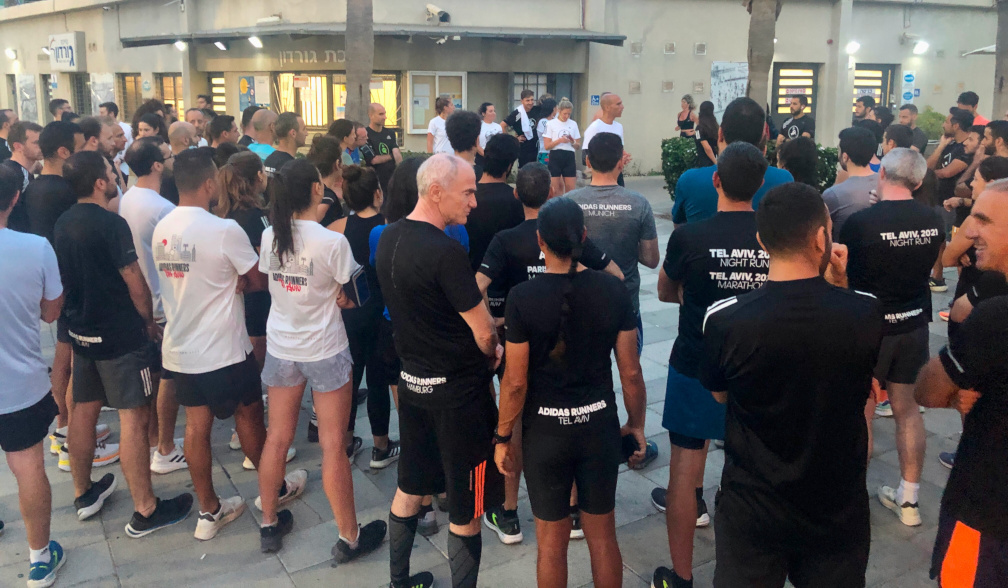
And some IP ranges are flagged by anti-bot services.
⛔ Eg. "Non-residential" IP ranges (such as AWS)

And some IP ranges are flagged by anti-bot services.
⛔ Eg. "Non-residential" IP ranges (such as AWS)
IP range is a sure way to get caught...
This would not be a real video about
web-scraping unless I mentioned proxies.
SeleniumBase has a proxy option for that.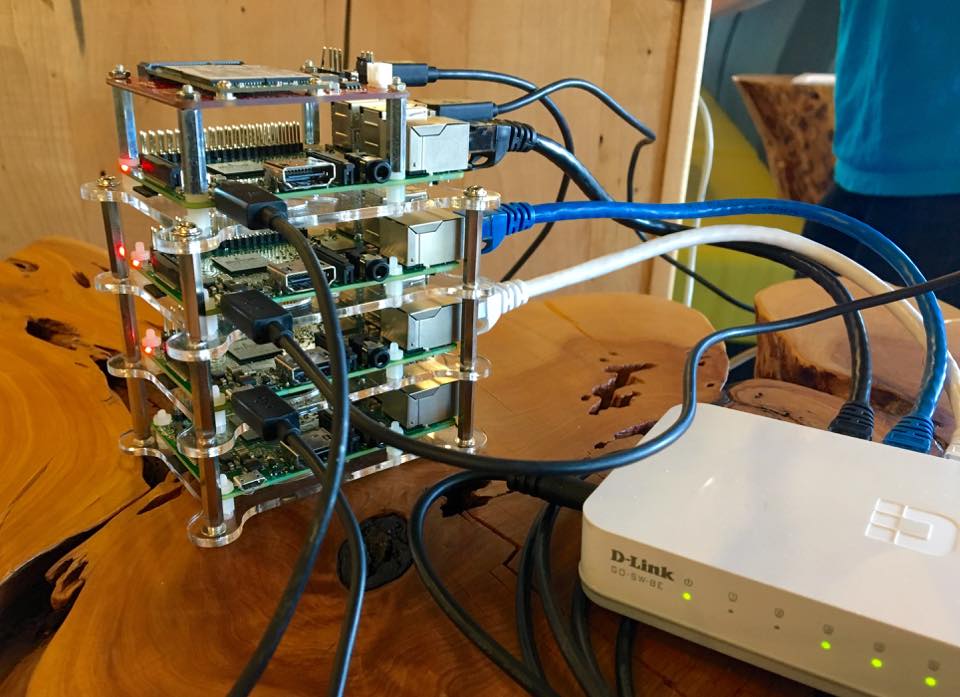
This would not be a real video about
web-scraping unless I mentioned proxies.
SeleniumBase has a proxy option for that.
Here's how to configure a proxy with SeleniumBase:
- Proxy via command-line:
pytest --proxy="host:port"pytest --proxy="user:pass@host:port" - Proxy via method arg:
SB(proxy="host:port")SB(proxy="user:pass@host:port")
Here's how to configure a proxy with SeleniumBase:
- Proxy via command-line:
pytest --proxy="host:port"pytest --proxy="user:pass@host:port" - Proxy via method arg:
SB(proxy="host:port")SB(proxy="user:pass@host:port")
Here's how to configure a proxy with SeleniumBase:
- Proxy via command-line:
pytest --proxy="host:port"pytest --proxy="user:pass@host:port" - Proxy via method arg:
SB(proxy="host:port")SB(proxy="user:pass@host:port")
Here's how to configure a proxy with SeleniumBase:
- Proxy via command-line:
pytest --proxy="host:port"pytest --proxy="user:pass@host:port" - Proxy via method arg:
SB(proxy="host:port")SB(proxy="user:pass@host:port")
Here's how to configure a proxy with SeleniumBase:
- Proxy via command-line:
pytest --proxy="host:port"pytest --proxy="user:pass@host:port" - Proxy via method arg:
SB(proxy="host:port")SB(proxy="user:pass@host:port")
Here's how to configure a proxy with SeleniumBase:
- Proxy via command-line:
pytest --proxy="host:port"pytest --proxy="user:pass@host:port" - Proxy via method arg:
SB(proxy="host:port")SB(proxy="user:pass@host:port")
Here's how to configure a proxy with SeleniumBase:
- Proxy via command-line:
pytest --proxy="host:port"pytest --proxy="user:pass@host:port" - Proxy via method arg:
SB(proxy="host:port")SB(proxy="user:pass@host:port")
If you don't have a proxy, it's easy to get one.
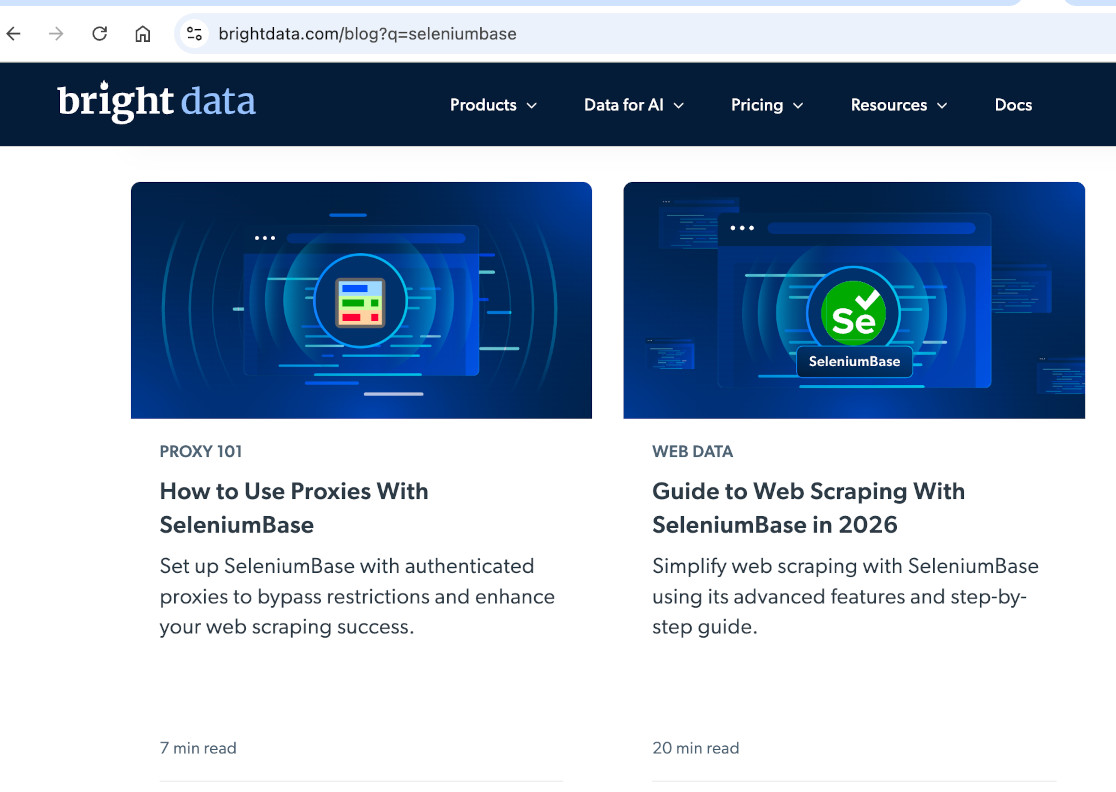
Lots of providers out there, like Bright Data.
(Bright Data blogs about SeleniumBase a lot.)
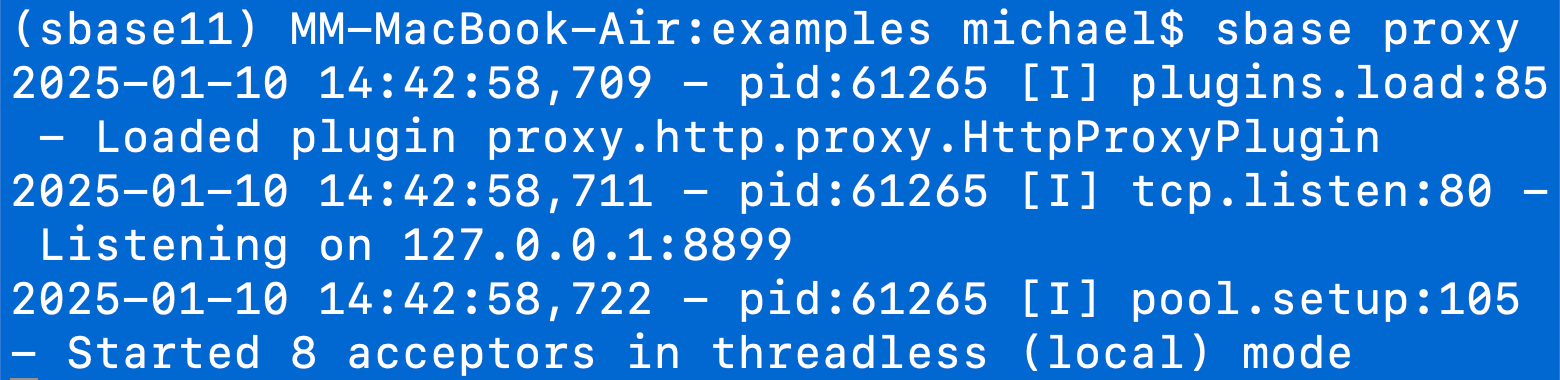
You could also launch your own
proxy server with SeleniumBase:
"sbase proxy"
(That's it!)
You could also launch your own
proxy server with SeleniumBase:
"sbase proxy"
(That's it!)
You could also launch your own
proxy server with SeleniumBase:
"sbase proxy"
(That's it!)
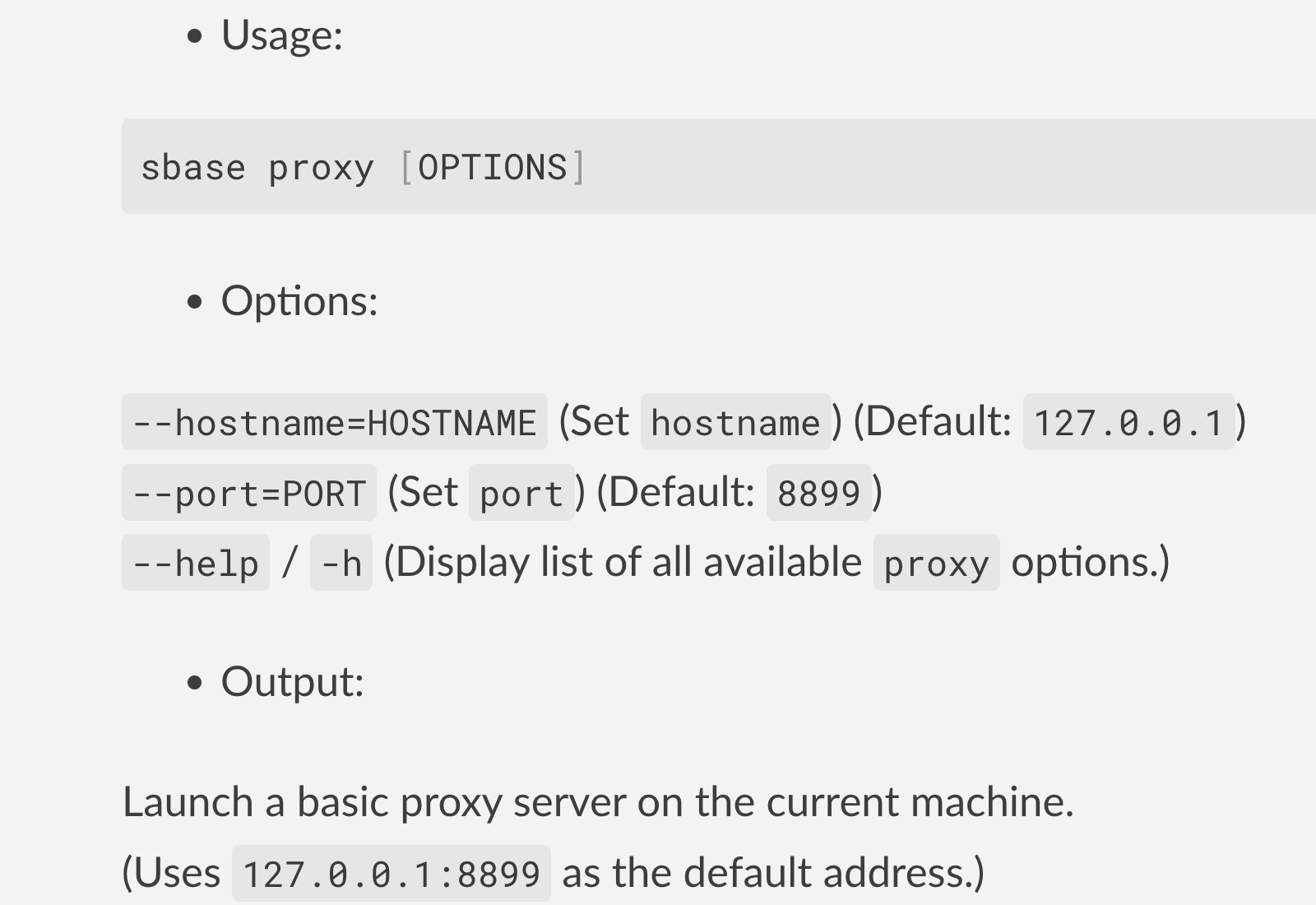
More configuration options for "sbase proxy":
Since websites can detect your geolocation,
it may be a good idea to change it at times.
Fortunately, changing your geolocation/timezonecan be done faster than changing your hair color.

Since websites can detect your geolocation,
it may be a good idea to change it at times.
Fortunately, changing your geolocation/timezonecan be done faster than changing your hair color.
🌐 Here's how to configure those with SeleniumBase:
- Changing geolocation via method arg:
geoloc=(26.863, 80.94)geoloc=(35.050681, 136.844728) - Changing timezone via method arg:
tzone="Asia/Kolkata"tzone="Asia/Tokyo"
🌐 Here's how to configure those with SeleniumBase:
- Changing geolocation via method arg:
geoloc=(26.863, 80.94)geoloc=(35.050681, 136.844728) - Changing timezone via method arg:
tzone="Asia/Kolkata"tzone="Asia/Tokyo"
🌐 Here's how to configure those with SeleniumBase:
- Changing geolocation via method arg:
geoloc=(26.863, 80.94)geoloc=(35.050681, 136.844728) - Changing timezone via method arg:
tzone="Asia/Kolkata"tzone="Asia/Tokyo"
🌐 Timezone/Geolocation 🌏
Let's run a live demo to show how that works:
-
1. First we'll go to India.
2. Then we'll go to Japan.
🌐 Timezone/Geolocation 🌏
Let's run a live demo to show how that works:
-
1. First we'll go to India.
2. Then we'll go to Japan.
🌐 Timezone/Geolocation 🌏
Let's run a live demo to show how that works:
-
1. First we'll go to India.
2. Then we'll go to Japan.
Another cool feature of CDP is the ability
to intercept & modify requests in real time.

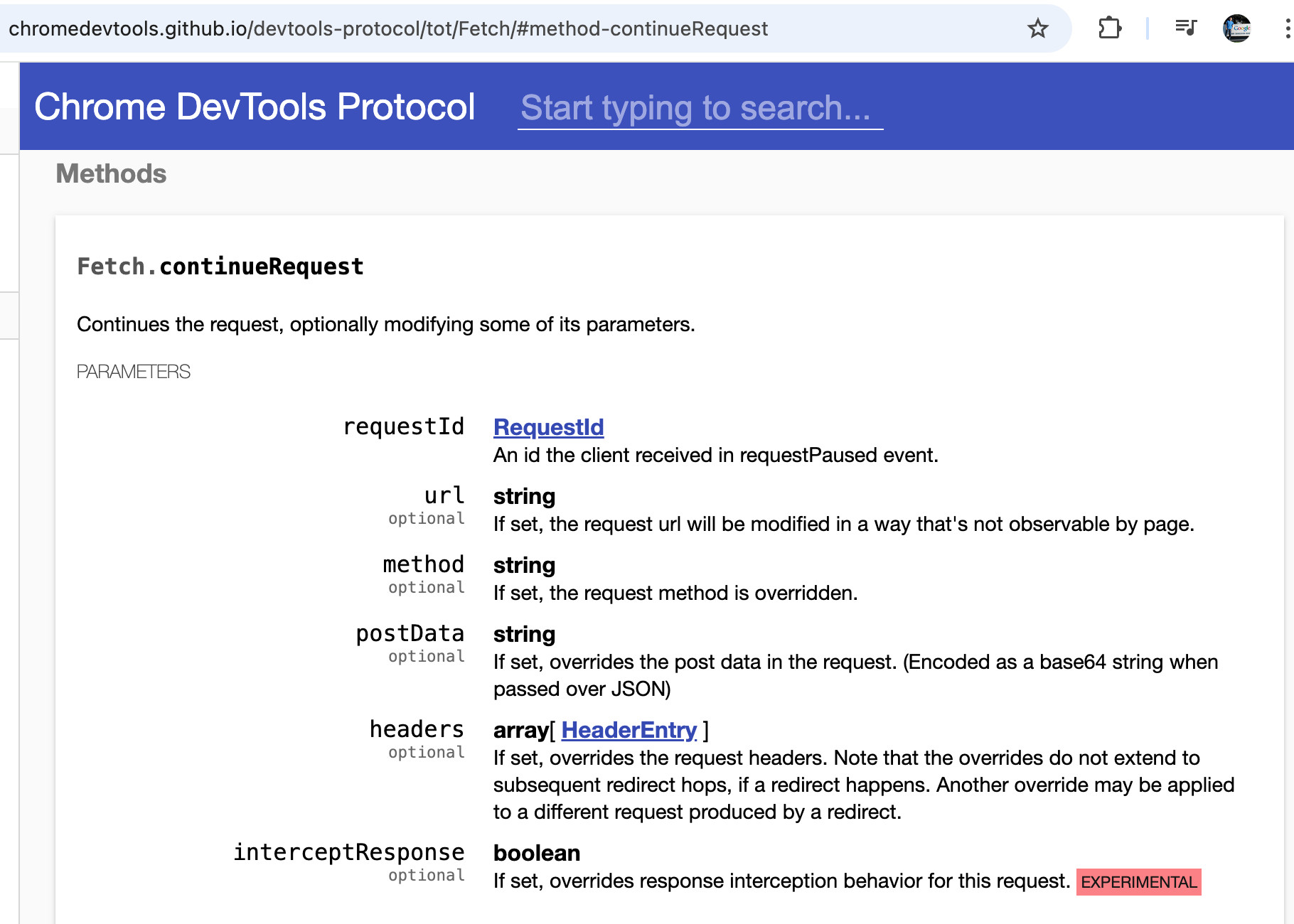
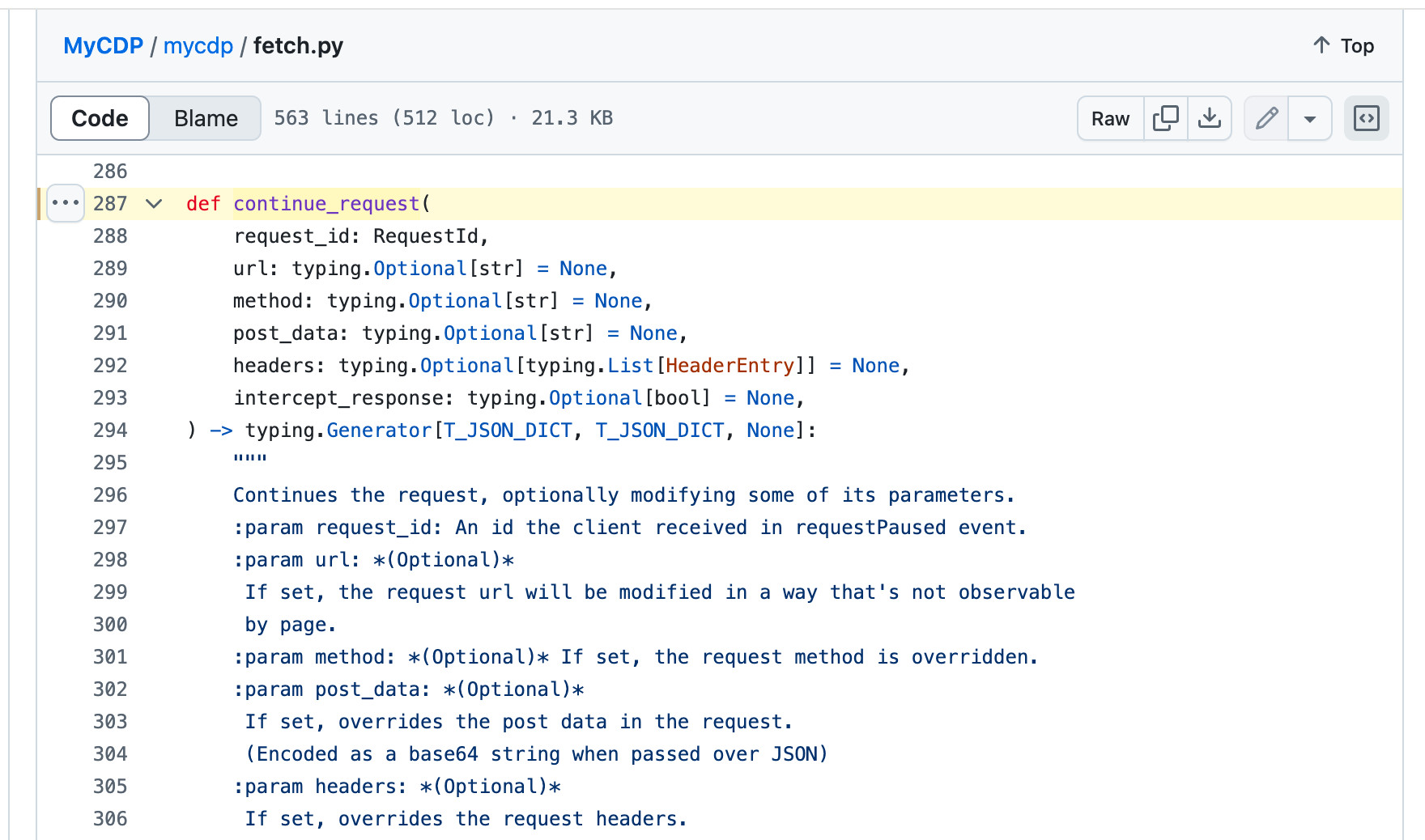
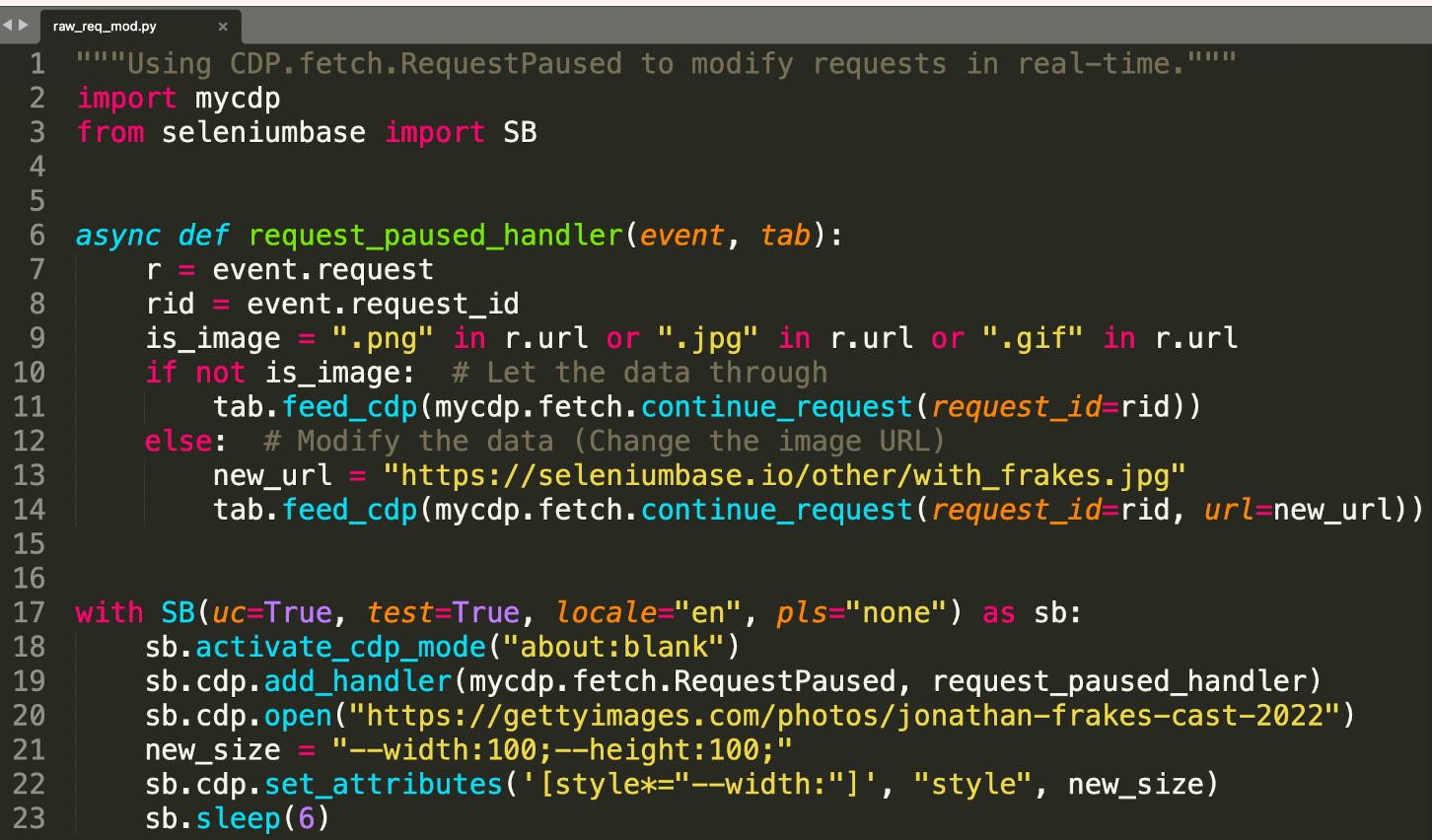
Time for a live demo of that...
(Intercepting/modifying requests)
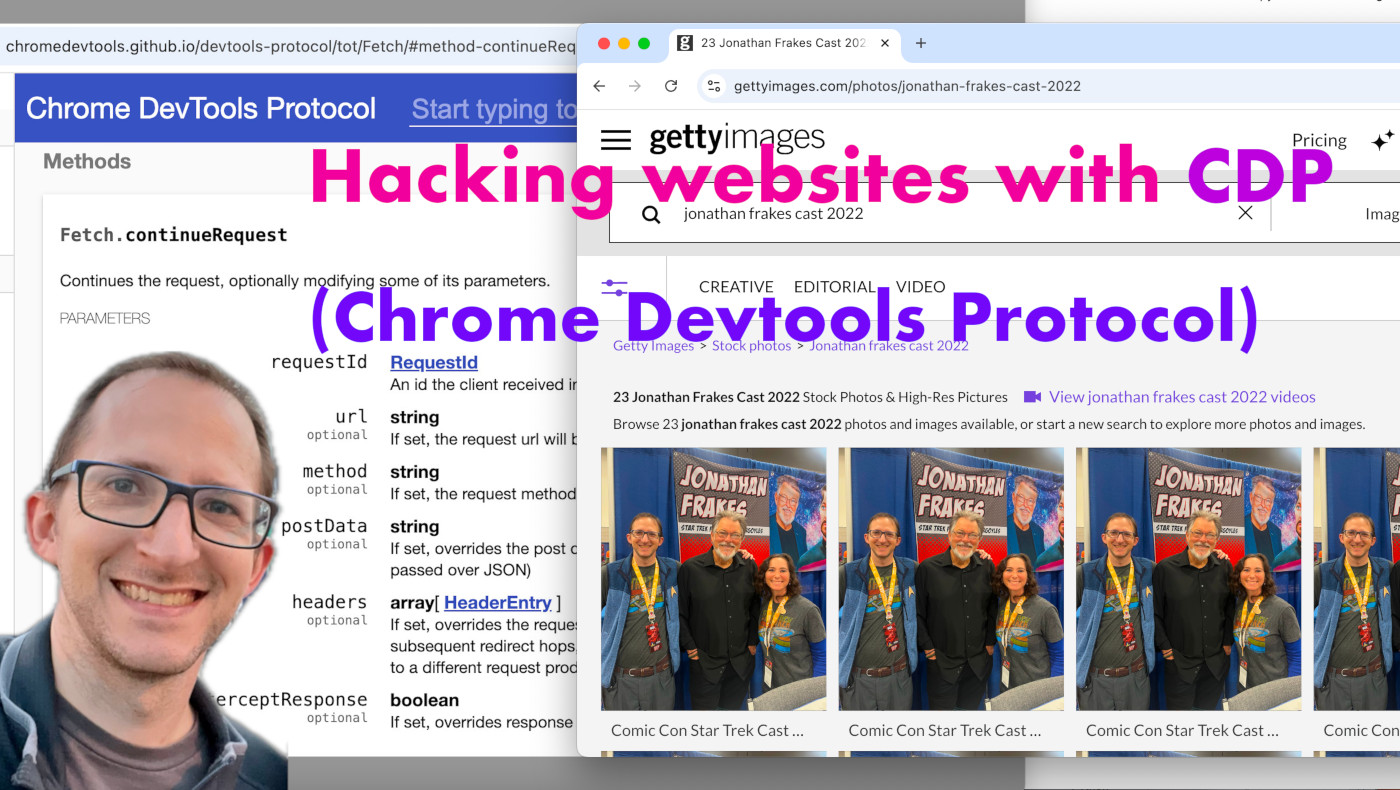
the CDP features you're looking for.
then
ThreadPoolExecutor has you covered.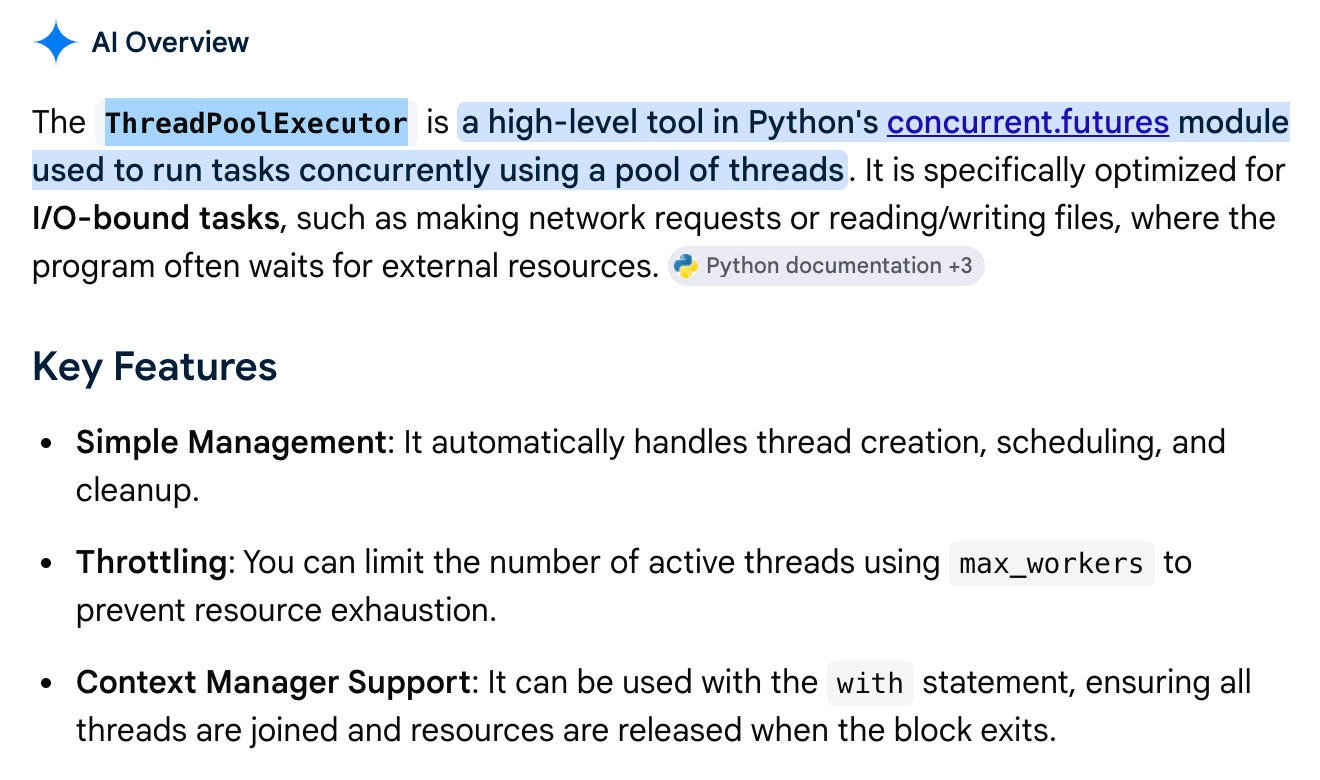
Sometimes you can defeat CAPTCHAs in advance
if you already have the required cookies loaded
in your web browser. (Eg: cf_clearance)
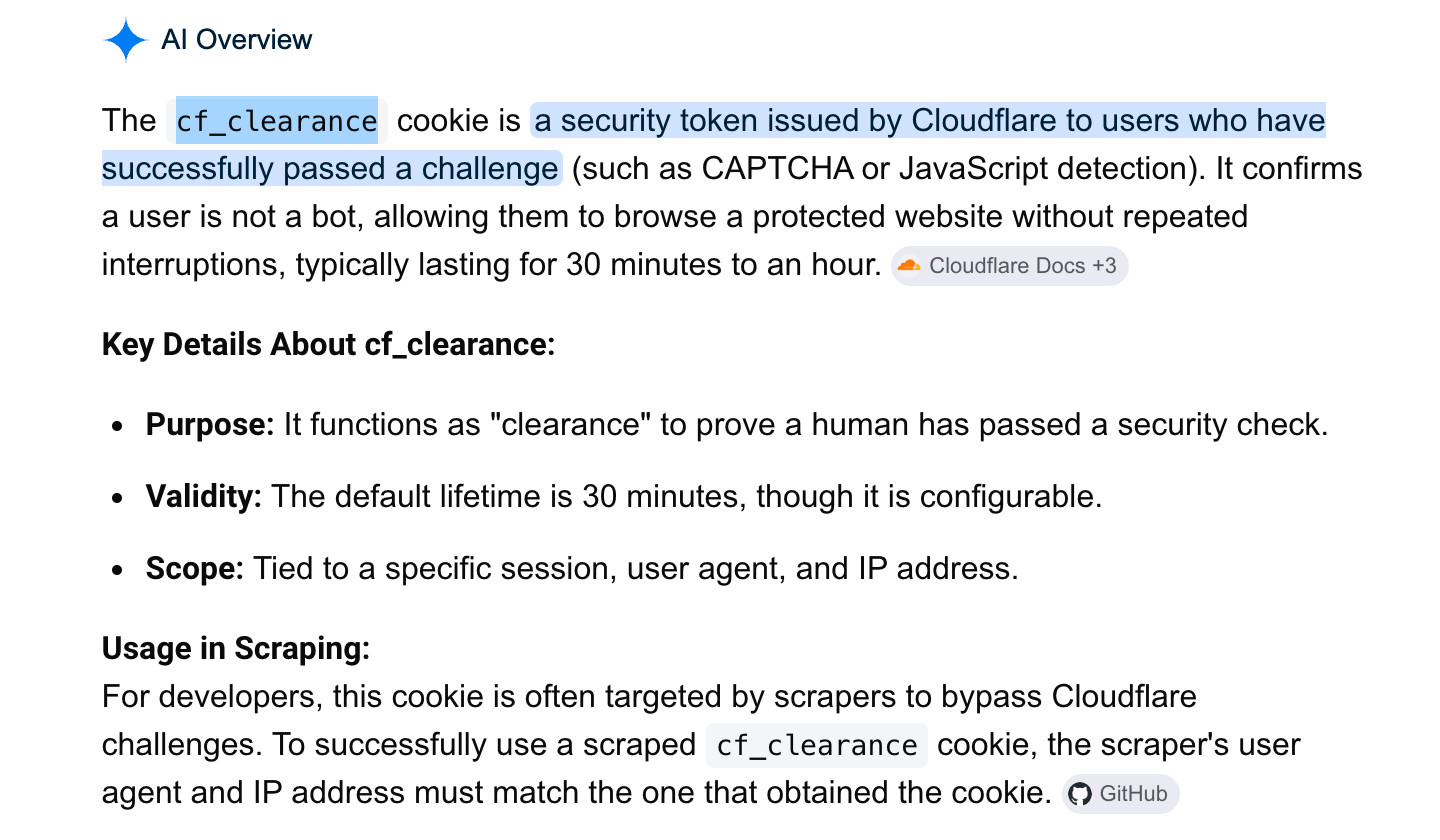
Getting the cf_clearance cookie is easy:
Just go to a CF-protected site and take it!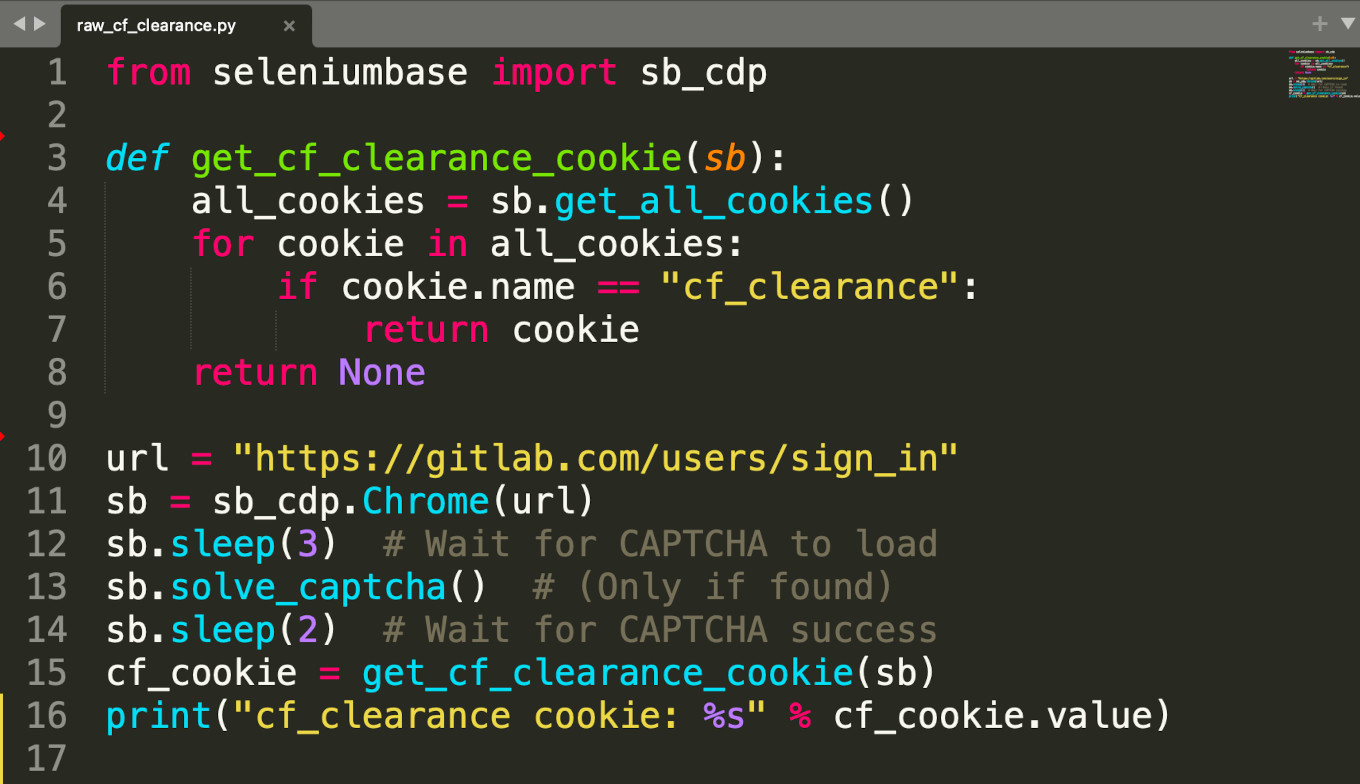
Getting the cf_clearance cookie is easy:
Just go to a CF-protected site and take it!
Get ready for a live demo of
stealthy mobile emulation...
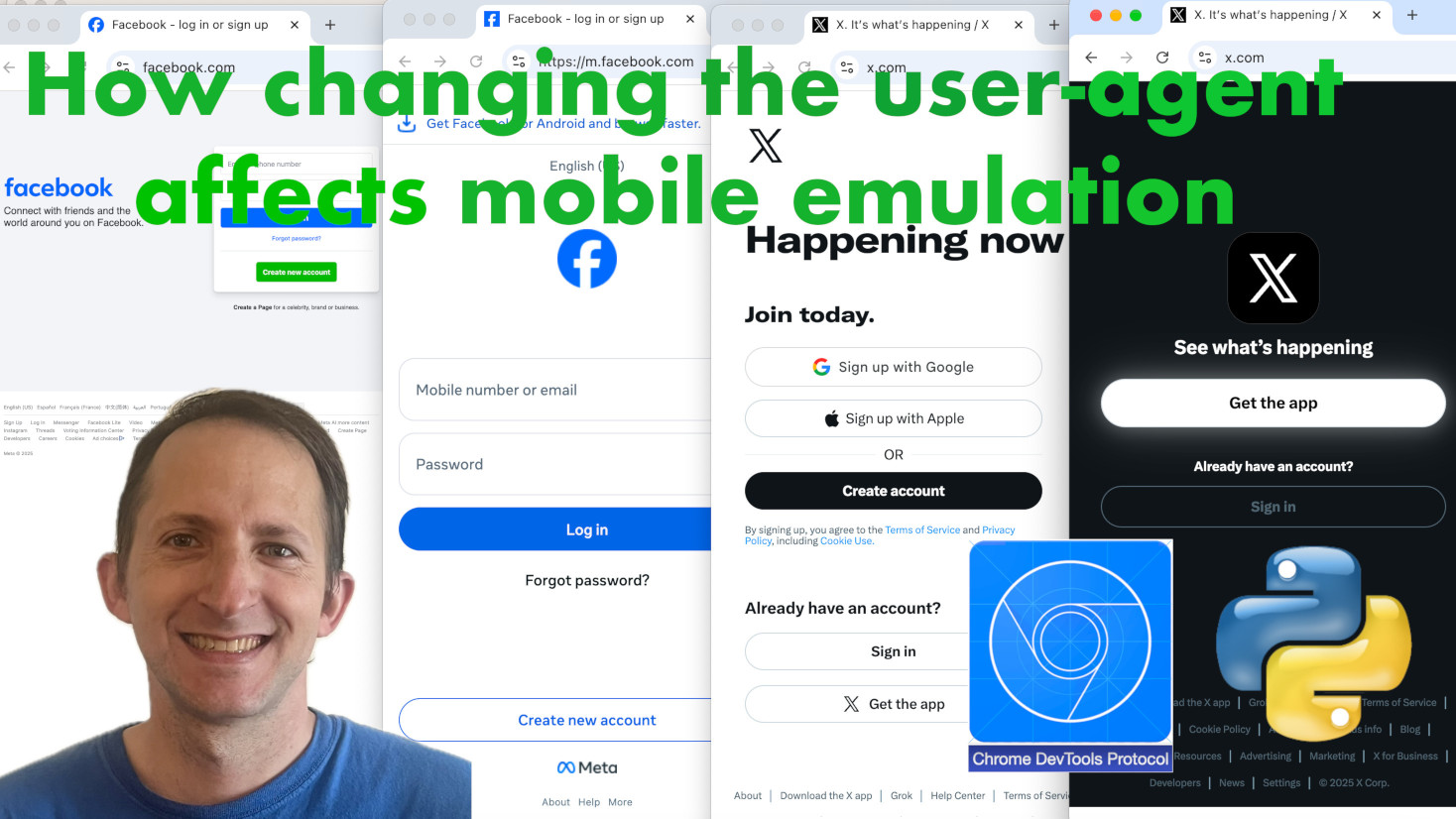
For more info on stealthy mobile emulation,
check out the YouTube video on it:
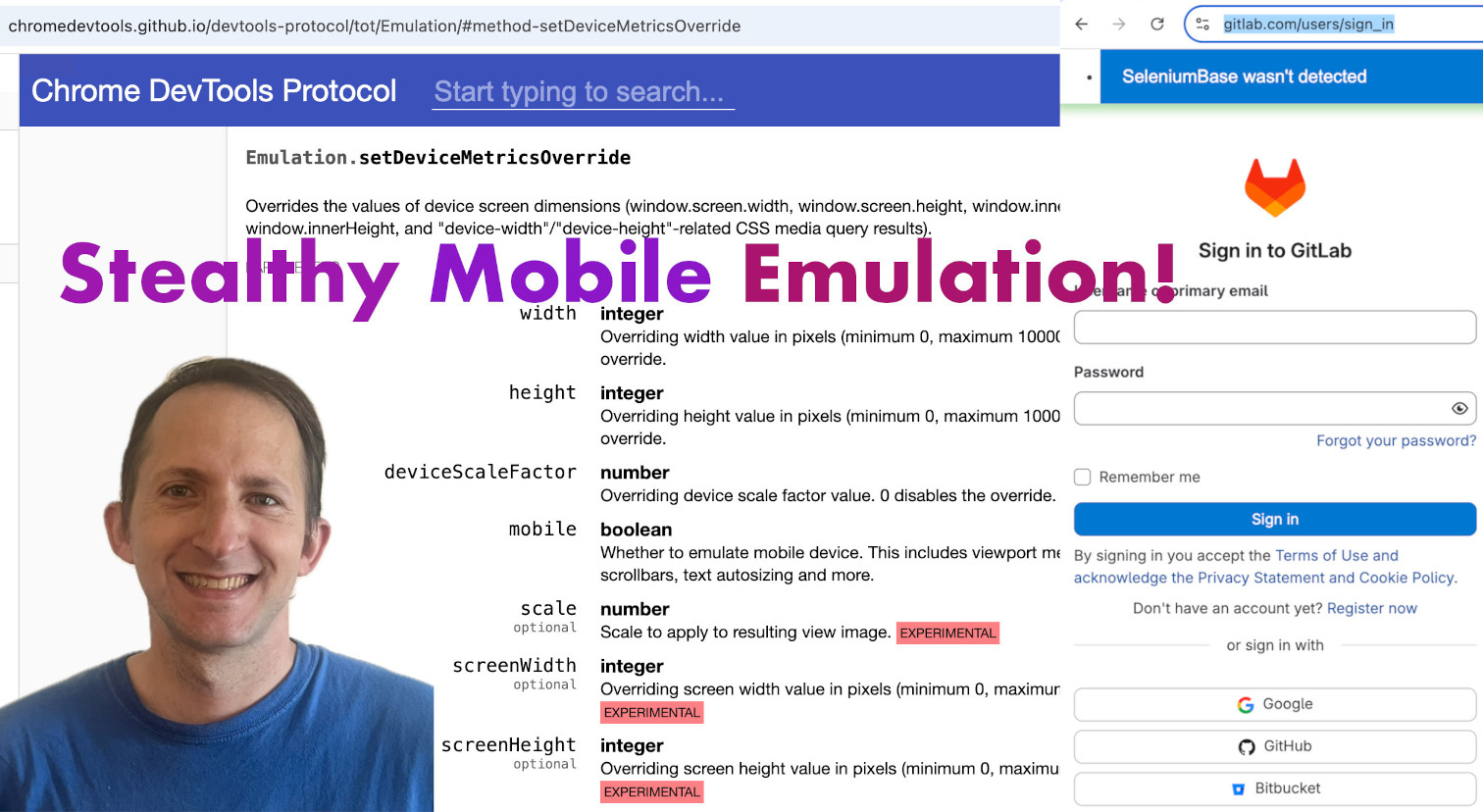
There's also a follow-up mobile video
that deals with changing the User Agent:
SeleniumBase has an option for using unbranded
Chromium in place of regular Google Chrome.

Here's how to use unbranded Chromium in scripts:
- Chromium via command-line:
pytest --use-chromium - Chromium via method arg:
SB(use_chromium=True)
(Chromium is automatically downloaded
if it hasn't yet been used by SeleniumBase)
Here's how to use unbranded Chromium in scripts:
- Chromium via command-line:
pytest --use-chromium - Chromium via method arg:
SB(use_chromium=True)
(Chromium is automatically downloaded
if it hasn't yet been used by SeleniumBase)
Here's how to use unbranded Chromium in scripts:
- Chromium via command-line:
pytest --use-chromium - Chromium via method arg:
SB(use_chromium=True)
(Chromium is automatically downloaded
if it hasn't yet been used by SeleniumBase)
Here's how to use unbranded Chromium in scripts:
- Chromium via command-line:
pytest --use-chromium - Chromium via method arg:
SB(use_chromium=True)
(Chromium is automatically downloaded
if it hasn't yet been used by SeleniumBase)
SeleniumBase can download Chromium in advance:
✅ sbase get chromium
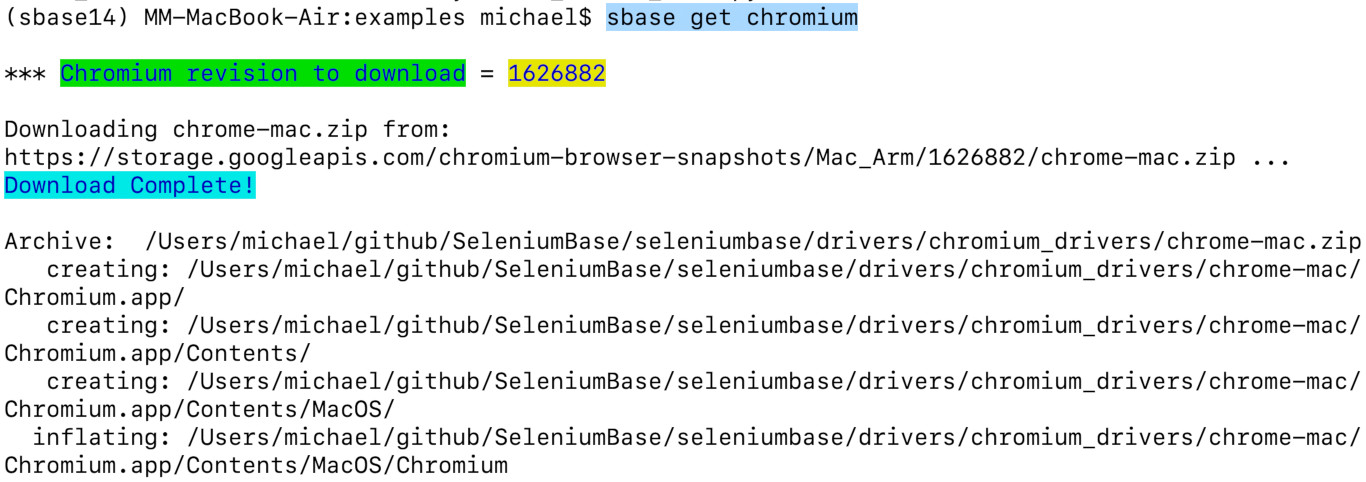
SeleniumBase can download Chromium in advance:
✅ sbase get chromium
supports loading extensions via command flags.
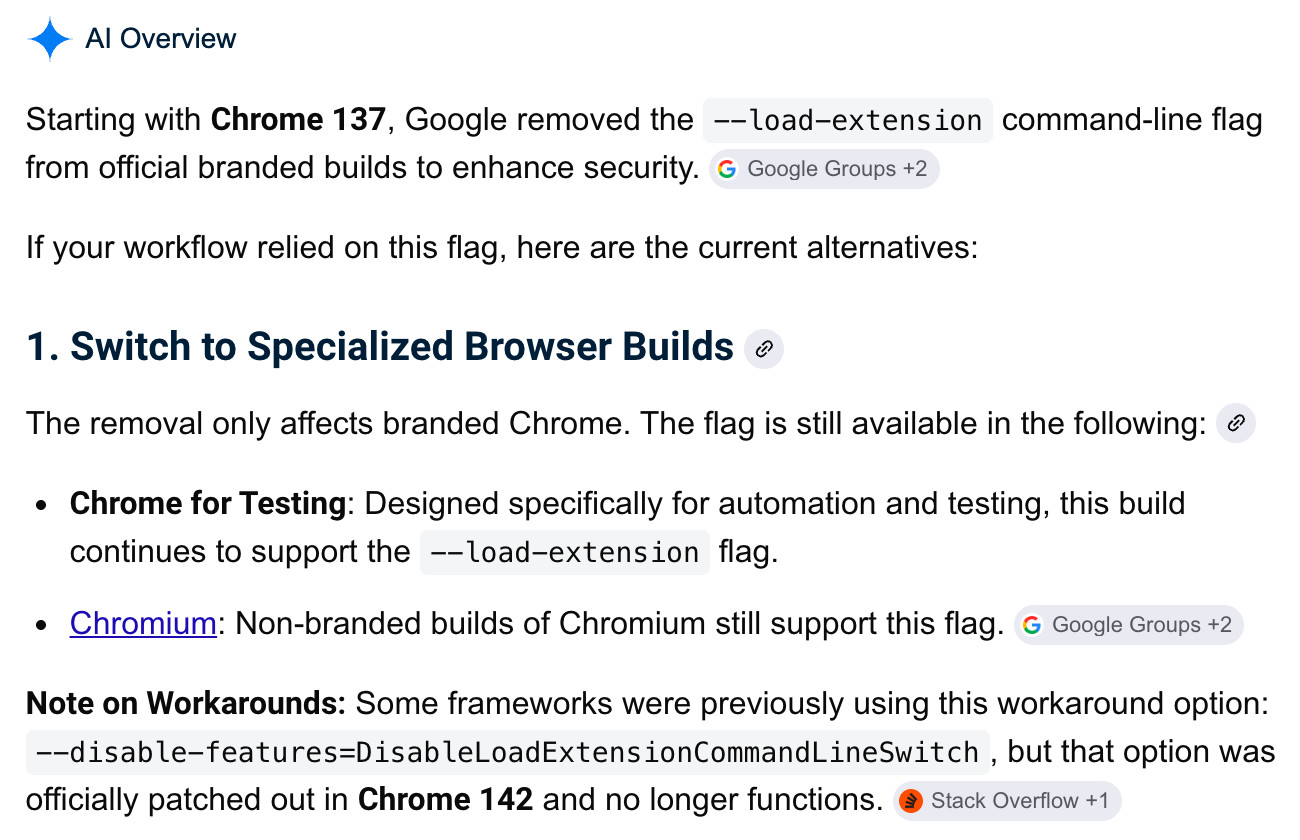
than regular Google Chrome on certain websites.
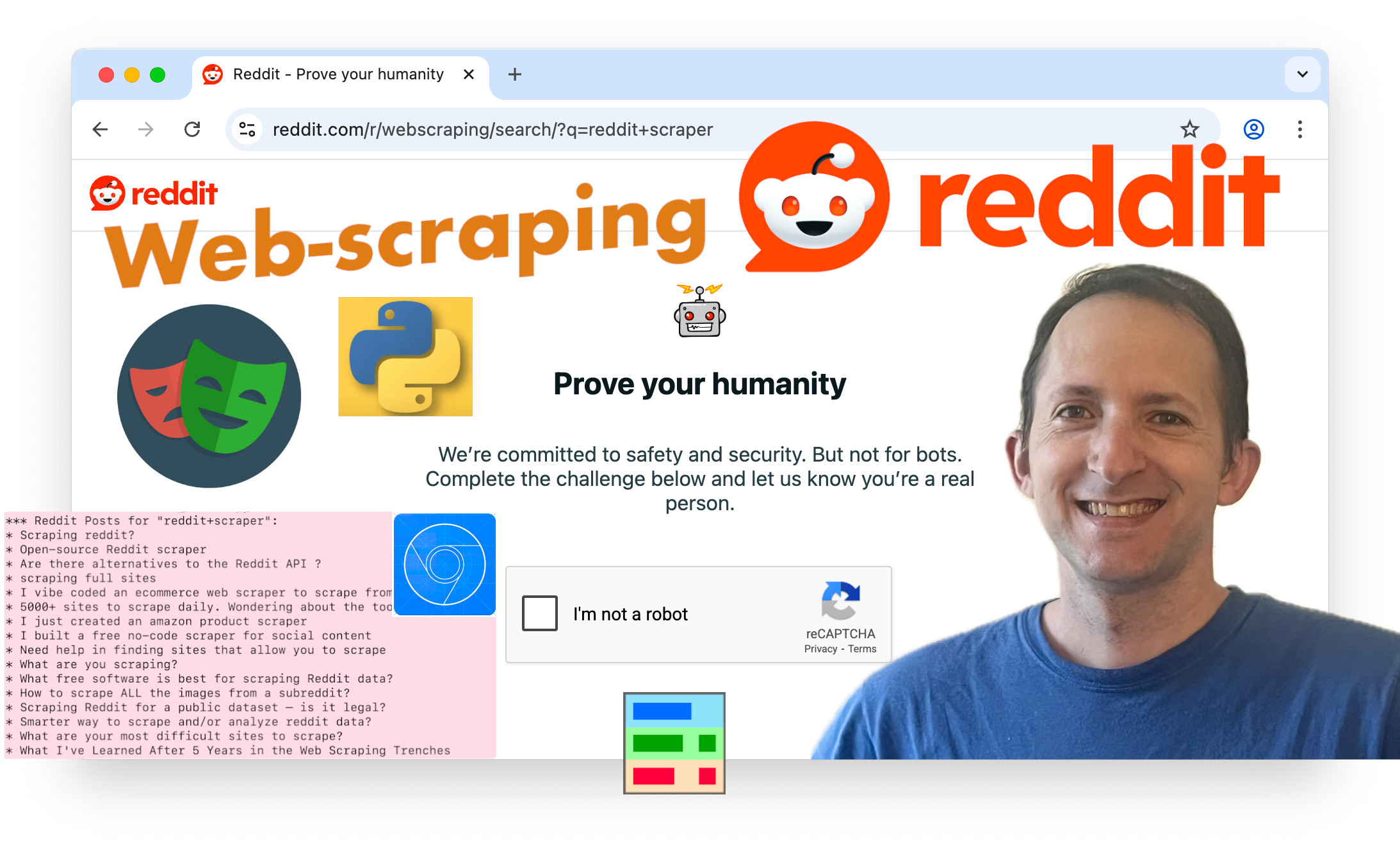
Get ready for a web-scraping
live demo on Reddit.com ...
than regular Google Chrome on certain websites.
Get ready for a web-scraping
live demo on Reddit.com ...
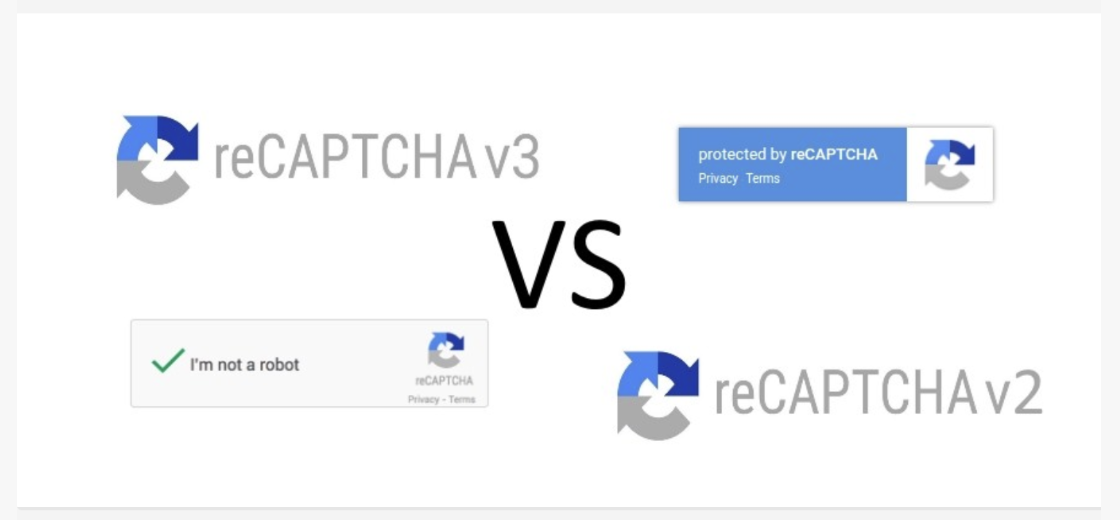
Some flavors are stronger than others.
Some flavors are stronger than others.
🔐 Google reCAPTCHA 🔐
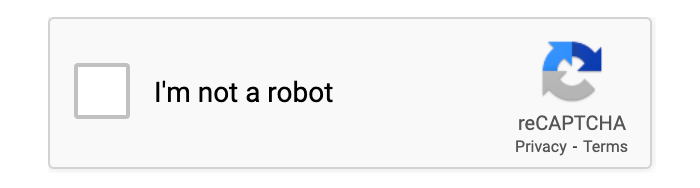
🔐 Google reCAPTCHA 🔐
reCAPTCHA is very effective at catching bots.
🔐 Google reCAPTCHA 🔐
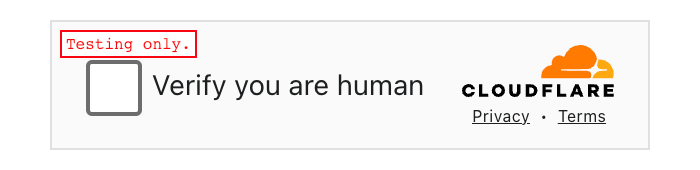
Even though Google reCAPTCHA looks similar
to Cloudflare Turnstile, they are very different!
Since Google makes both reCAPTCHA and Chrome, reCAPTCHA has access to more data than other CAPTCHAs, and can therefore detect bots better.
Since Google makes both reCAPTCHA and Chrome, reCAPTCHA has access to more data than other CAPTCHAs, and can therefore detect bots better.
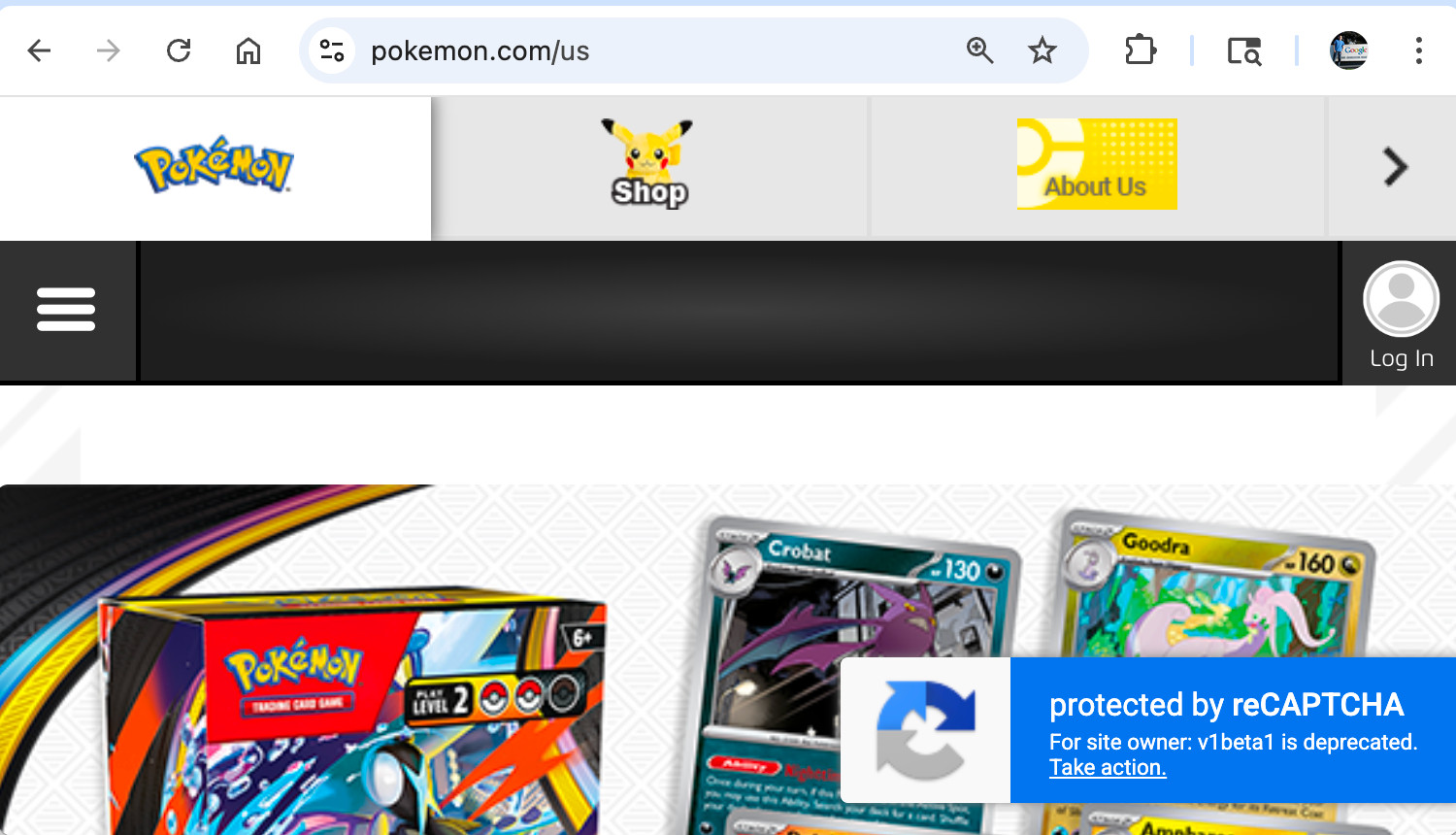
(Sites like these are vulnerable to web-scrapers)
(Sites like these are vulnerable to web-scrapers)
Get ready for a web-scraping
live demo on Pokemon.com ...
🔐 Google reCAPTCHA 🔐
In the case of encountering an Enterprise V3
reCAPTCHA... that's a very different story...
Note: Calling goto(url) from UC Mode
automatically activates CDP Mode now.
-
This change was made because the original
UC Mode wasn't stealthy enough anymore.
This makes older UC Mode scripts work again.
That's especially important since out-of-date
Undetectable Automation videos still get views.
sb.driver.get(url) keeps you in UC Mode.Note: Calling goto(url) from UC Mode
automatically activates CDP Mode now.
-
This change was made because the original
UC Mode wasn't stealthy enough anymore.
This makes older UC Mode scripts work again.
That's especially important since out-of-date
Undetectable Automation videos still get views.
sb.driver.get(url) keeps you in UC Mode.Note: Calling goto(url) from UC Mode
automatically activates CDP Mode now.
-
This change was made because the original
UC Mode wasn't stealthy enough anymore.
This makes older UC Mode scripts work again.
That's especially important since out-of-date
Undetectable Automation videos still get views.
sb.driver.get(url) keeps you in UC Mode.Note: Calling goto(url) from UC Mode
automatically activates CDP Mode now.
-
This change was made because the original
UC Mode wasn't stealthy enough anymore.
This makes older UC Mode scripts work again.
That's especially important since out-of-date
Undetectable Automation videos still get views.
sb.driver.get(url) keeps you in UC Mode.Note: Calling goto(url) from UC Mode
automatically activates CDP Mode now.
-
This change was made because the original
UC Mode wasn't stealthy enough anymore.
This makes older UC Mode scripts work again.
That's especially important since out-of-date
Undetectable Automation videos still get views.
sb.driver.get(url) keeps you in UC Mode.
Naming conventions used in the SeleniumBase repo:
- ✅ If a file starts with "
test_" or ends with"
_test.py", then it runs with "pytest".✅ If a file starts with "
raw_",then it runs directly with raw "
python".✅ (Note that SeleniumBase was originally just a test framework before it gained stealth abilities.)
Naming conventions used in the SeleniumBase repo:
- ✅ If a file starts with "
test_" or ends with"
_test.py", then it runs with "pytest".✅ If a file starts with "
raw_",then it runs directly with raw "
python".✅ (Note that SeleniumBase was originally just a test framework before it gained stealth abilities.)
Naming conventions used in the SeleniumBase repo:
- ✅ If a file starts with "
test_" or ends with"
_test.py", then it runs with "pytest".✅ If a file starts with "
raw_",then it runs directly with raw "
python".✅ (Note that SeleniumBase was originally just a test framework before it gained stealth abilities.)
Naming conventions used in the SeleniumBase repo:
- ✅ If a file starts with "
test_" or ends with"
_test.py", then it runs with "pytest".✅ If a file starts with "
raw_",then it runs directly with raw "
python".✅ (Note that SeleniumBase was originally just a test framework before it gained stealth abilities.)
Finding stealthy examples in the SeleniumBase repo:
✅ See "
SeleniumBase/examples/cdp_mode/"for all examples made for stealth & CAPTCHAs.
✅ For the Stealthy Playwright Mode examples, see:
"
SeleniumBase/examples/cdp_mode/playwright/"
Finding stealthy examples in the SeleniumBase repo:
✅ See "
SeleniumBase/examples/cdp_mode/"for all examples made for stealth & CAPTCHAs.
✅ For the Stealthy Playwright Mode examples, see:
"
SeleniumBase/examples/cdp_mode/playwright/"
Finding stealthy examples in the SeleniumBase repo:
✅ See "
SeleniumBase/examples/cdp_mode/"for all examples made for stealth & CAPTCHAs.
✅ For the Stealthy Playwright Mode examples, see:
"
SeleniumBase/examples/cdp_mode/playwright/"
Let's make a quick trip to the SeleniumBase repo:
Get ready for a live demo of
bypassing a Cloudflare CAPTCHA
on Cloudflare's own login page ...
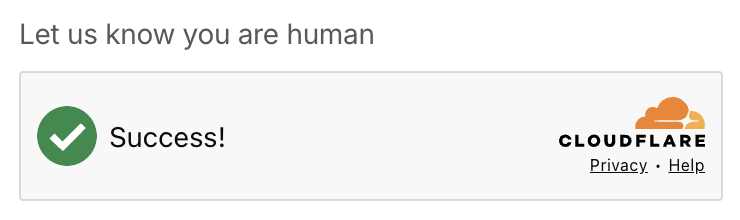
Get ready for a live demo of
bypassing a Cloudflare CAPTCHA
on Cloudflare's own login page ...
If bypassing CAPTCHAs isn't exciting enough for you,
then treat every CAPTCHA-bypass like scoring a goal...

🤖 You've reached the AI section of this video! 🤖

🤖 I've actually been using a lot of AI already! 🤖
✅ Many illustrations were AI-generated.

🤖 I've actually been using a lot of AI already! 🤖
✅ Many illustrations were AI-generated.
🤖 Thanks for all the free artwork, Gemini! 🤖
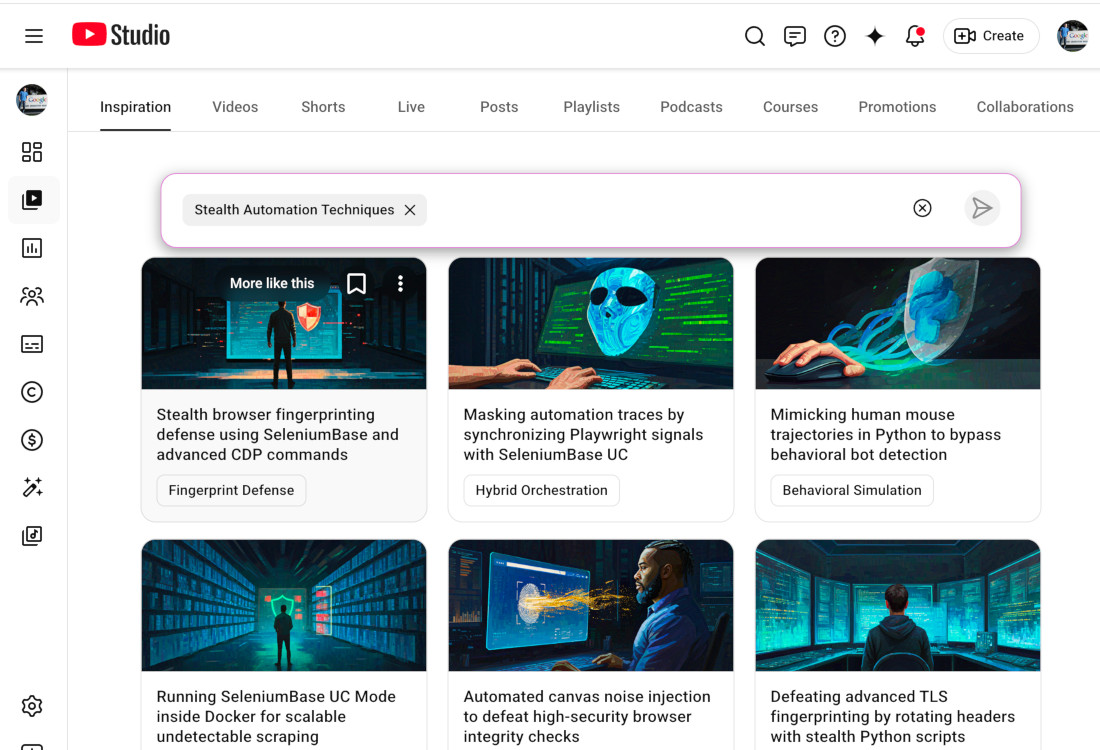
Let's use Gemini's power to bypass CAPTCHAs!

Every year the AI models get better and better

Definitely an improvement over last year's models
I also covered AI in my earlier video:Can AI tools help you with web-scraping & CAPTCHA-bypass?
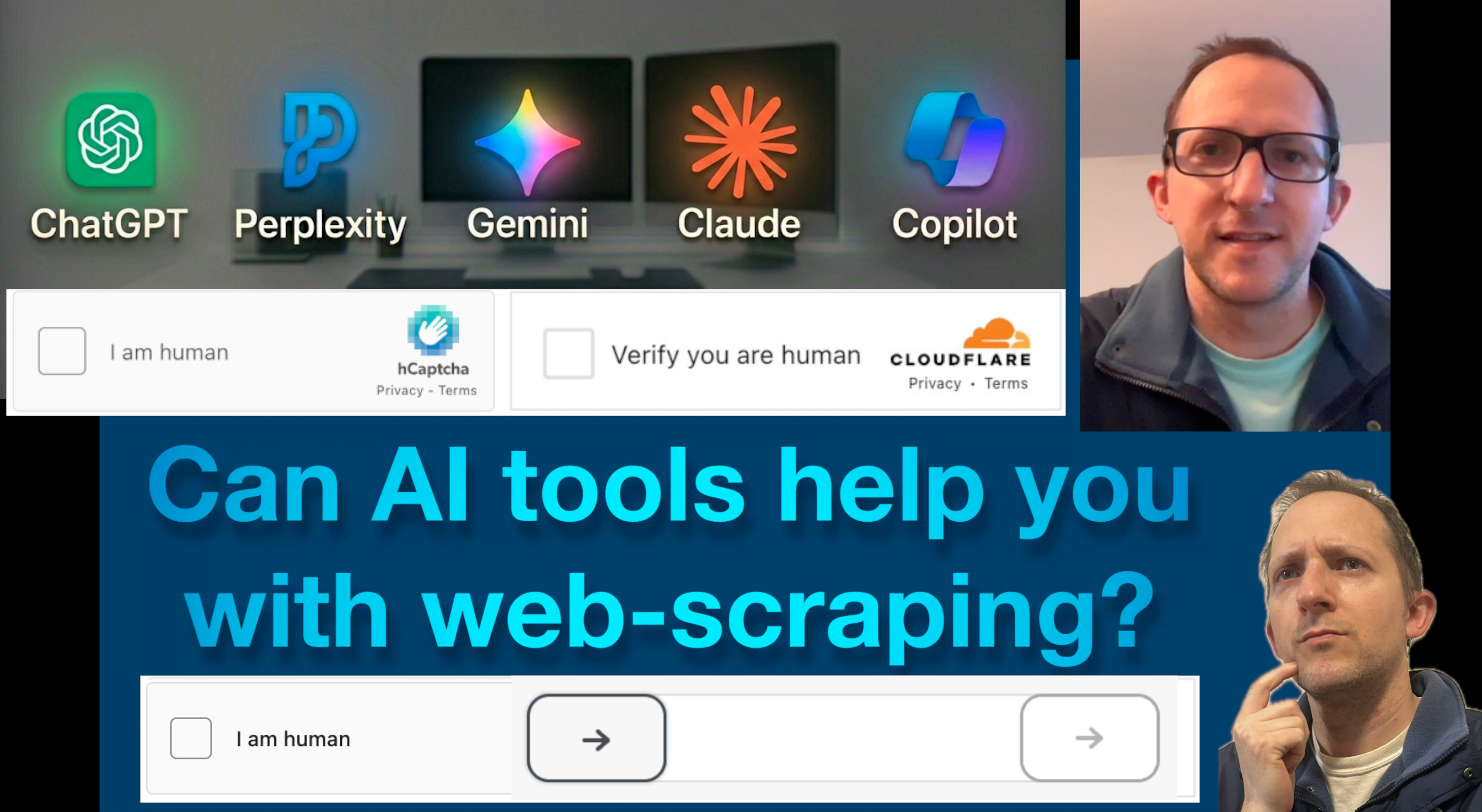
(Spoiler alert: It depends on which AI you ask!)
I also covered AI in my earlier video:
Can AI tools help you with web-scraping & CAPTCHA-bypass?
(Spoiler alert: It depends on which AI you ask!)
I also covered AI in my earlier video:
Can AI tools help you with web-scraping & CAPTCHA-bypass?
(Spoiler alert: It depends on which AI you ask!)
It's time for the next live demo!
For that, we're scraping LinkedIn...
It's time for the next live demo!
For that, we're scraping LinkedIn...
As you can see ...
SeleniumBase works well for web-scraping.
As you can see ...
SeleniumBase works well for web-scraping.
If you need help creating scripts,
just ask the AI! (maybe Gemini)

✅ Or you can replicate a bunch of
AI agents to do the work for you...
If you need help creating scripts,
just ask the AI! (maybe Gemini)
✅ Or you can replicate a bunch of
AI agents to do the work for you...
❓ Questions? ❓
https://github.com/seleniumbase/SeleniumBase/discussions
📌 Found a bug? 🐞
https://github.com/seleniumbase/SeleniumBase/issues
❓ Questions? ❓
https://github.com/seleniumbase/SeleniumBase/discussions
📌 Found a bug? 🐞
https://github.com/seleniumbase/SeleniumBase/issues
📊 Final remarks 📣
🛠️ SeleniumBase gives you 🛠️
the tools you need to succeed!
And tools to build lots of bots...
📊 Final remarks 📣
🛠️ SeleniumBase gives you 🛠️
the tools you need to succeed!
And tools to build lots of bots...
📊 Final remarks 📣
🛠️ SeleniumBase gives you 🛠️
the tools you need to succeed!
And tools to build lots of bots...